Download and Convert Audible AA & AAX to MP3
DumpMedia Audible Converter is a useful audiobook downloader to help you download and convert Audible audiobooks from AA, AAX to MP3 format.
*Note: This program is for personal use only.
DumpMedia strictly follows United States Copyright regulations. We adopt leading technology to record unencrypted audio data while maintaining lossless sound quality.
More details hereAudible Converter
Convert Audible to MP3
Download Audible Audiobooks for Offline Listening Audible offers one of the world’s largest collections of audiobooks and podcasts. DumpMedia Audible Converter allows you to save Audible audiobooks to your computer for flexible offline listening. Once converted, your audiobooks can be played on various devices without the need for ongoing account authorization, giving you greater freedom to enjoy your content anytime, anywhere.
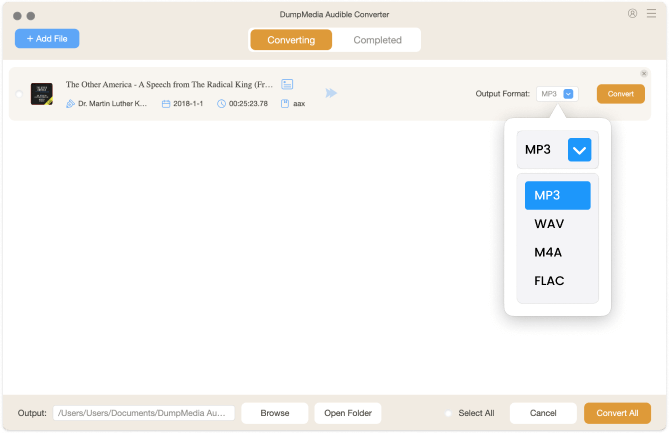
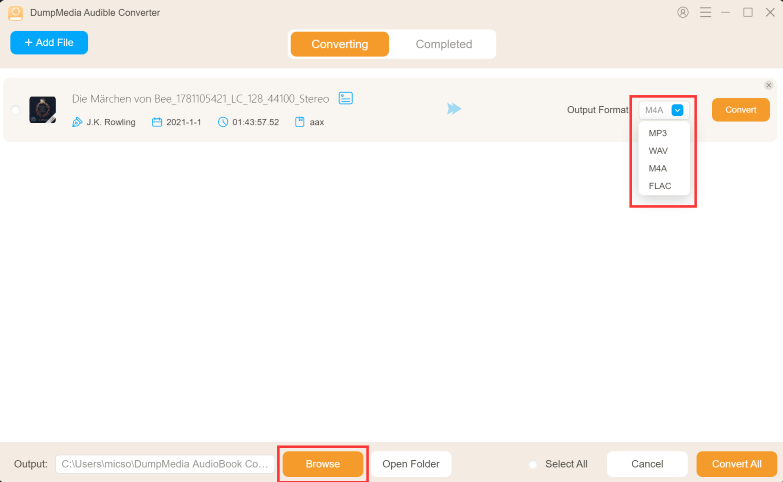
Multiple Output Formats for Maximum Compatibility ADumpMedia Audible Converter supports converting Audible audiobooks into multiple common audio formats like MP3, M4A, FLAC, or WAV. Whether you prefer standard formats for everyday playback or formats optimized for specific devices, the converter ensures broad compatibility and flexible use across different platforms and players.
Convert Audible Audiobooks with Original Quality DumpMedia Audible Converter is designed to preserve the original audio quality of Audible audiobooks during conversion. Whether you are listening to long audiobooks or short podcasts, the output files maintain clear narration and consistent sound, ensuring a comfortable listening experience across different devices.
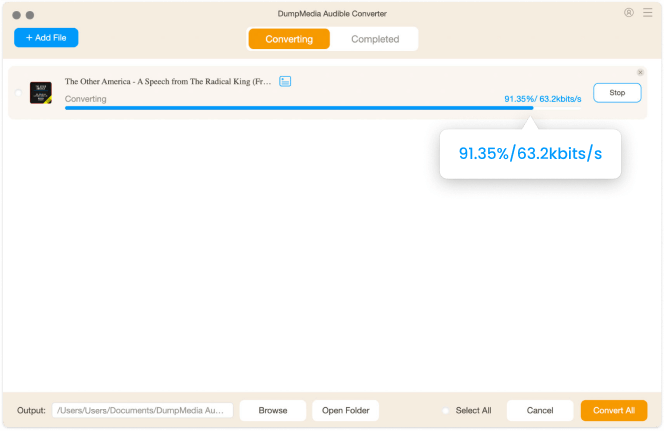
Faster Conversion with Stable Performance The converter delivers efficient and stable performance, even when processing large audiobooks or full libraries. Batch conversion is supported, helping you save time while managing multiple titles without compromising audio quality or file integrity.
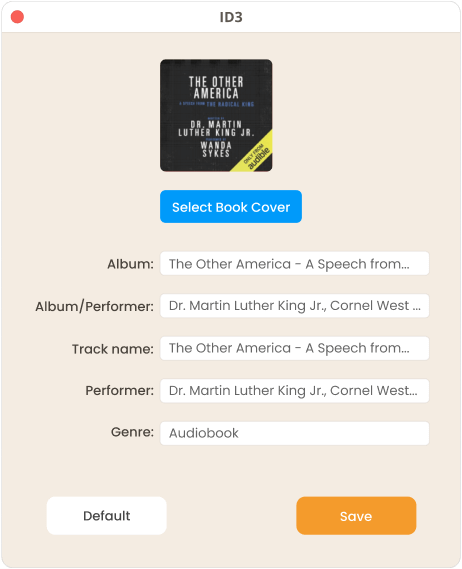
Keep Your Audiobook Library Well Organized DumpMedia Audible Converter supports customizable file naming and folder organization based on metadata such as title, author, or series. This makes it easy to maintain a clean, structured audiobook library and quickly find the content you want to listen to.
Simple and User-Friendly Operation The software features a clear and intuitive interface that requires no technical expertise. With just a few clicks, you can complete the conversion process and manage your Audible audiobooks efficiently, making it suitable for both new and experienced users.
3 Steps to Convert Audible to MP3
Step 1.
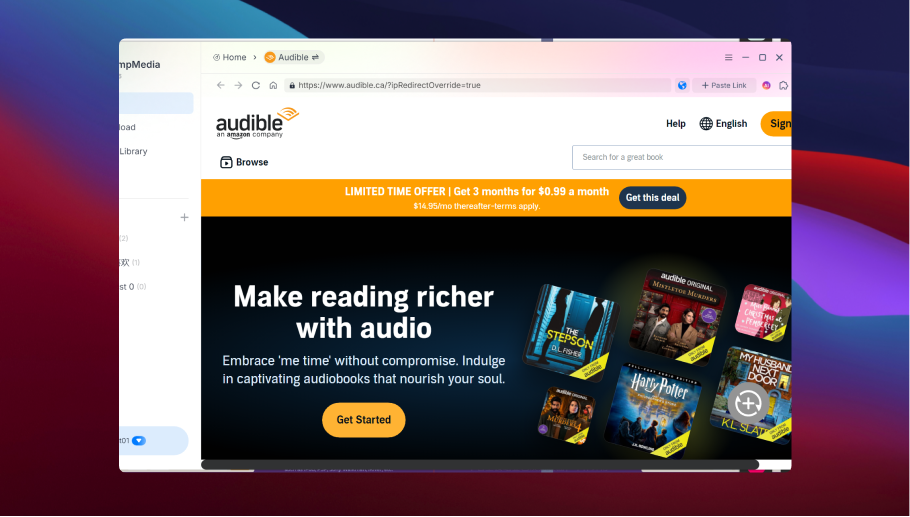
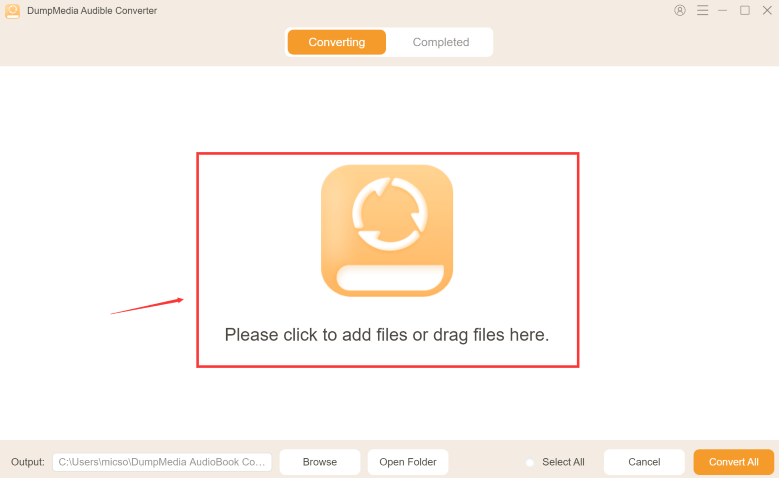
Choose Audible audiobooks you want to convert.
Step 2.
Select the output format you like.
Step 3.
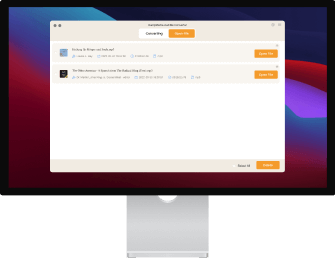
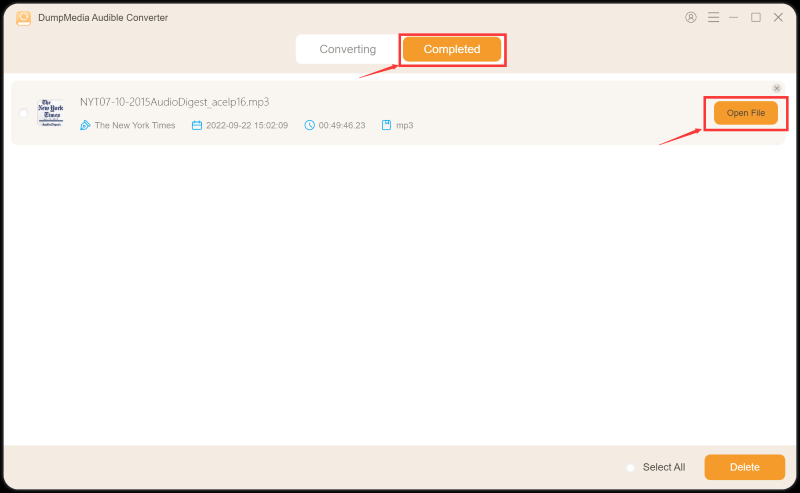
Hit the Convert button at the top right. And books will be converted in the Scheduled Task Section.
Tech Specs
System Requirement
Windows OS: Windows 7 or later (64-bit required)
Mac OS: macOS X 10.15 or higher
Resolution: 1024×768 display or above
Processor: 1G Hz processor or above
RAM: 512 MB or more (1GB Recommended)
Supported Input Content
Audio Formats: Audible AA, AAX audiobooks
Supported Output Formats
Audio Formats: Windows/Mac: MP3, WAV, FLAC, AIFF, M4A (AAC and ALAC codecs)
Tell us what you think
Please Rate Our Products, Thank You.
FAQs
1. What's the limitation of the free trial version?
With the free trial version, you can only convert 2 full audiobooks from Audible. To convert more audiobooks without any limitations, you will need to register and activate the full version of the software.
2. What are the supported input formats?
Audio Formats: Audible AA, AAX audiobooks
3. How to activate the software?
First, download and install DumpMedia Audible Converter on your PC/Mac. Second, launch the software and then enter your activation code.
If you have any trouble activating the software, feel free to contact us via this email: support@dumpmedia.com.
4. How to update the software?
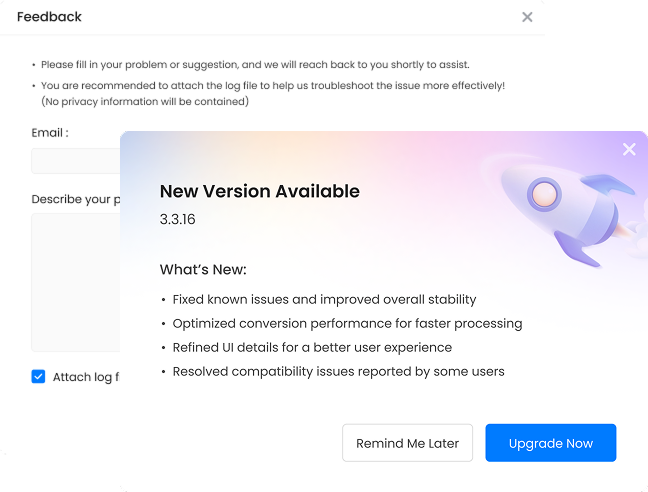
There are two options to update DumpMedia Audible Converter. The auto-update and manually-update. When there is a new version, the software will prompt you with it, you can just click it and update automatically.
You can update the software manually by downloading and installing the software directly from our product page. Just go to our official product page and download the software. Normally we will update our software from time to time, in order to keep your product up to date, you can go to your website to download the software in a certain period of time.
Note: It's 100% free and safe to update the software.
5. How to get back my activation code?
Go to license retrieval page: https://www.dumpmedia.com/support/license-retrieval/
6. How can I refund Audible Converter?
Go to refund policy page: https://www.dumpmedia.com/refund-policy/
Guides
Free Try
DumpMedia Audible Converter
DumpMedia Audible Converter is a useful audiobook downloader to help you download and convert Audible audiobooks from AA, AAX to MP3 format.
I don't normally leave comments for this type of software. Well this is the most reliable one among all those similar products I've used. It got a simple and efficient UI design, decent conversion speed and perfect sound quality, most importantly thing is, it won't keep telling you conversion failed!
Ainsley Bradley
I travel a lot and most of the places I went do not have Wi-Fi. It will cost me a lot of money if I just listen to audiobooks with cellular data. DumpMedia Audible Converter helped me to convert all my audiobooks to MP3 format, it is really convenient and useful.
Sally Wynn
I still got my old Panasonic CD player with me, and it works just fine. I just love to listen to music or audiobooks with it. Audible is compatible with all kinds of fancy new digital devices but not my CD player. This DumpMedia Audible Converter really helped me with this.
Brady Keith
Write A Review
More Review