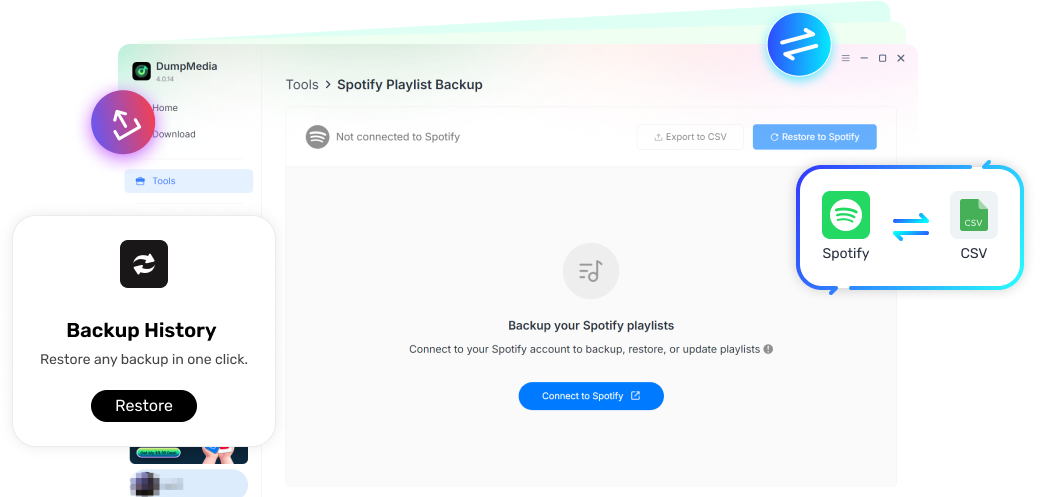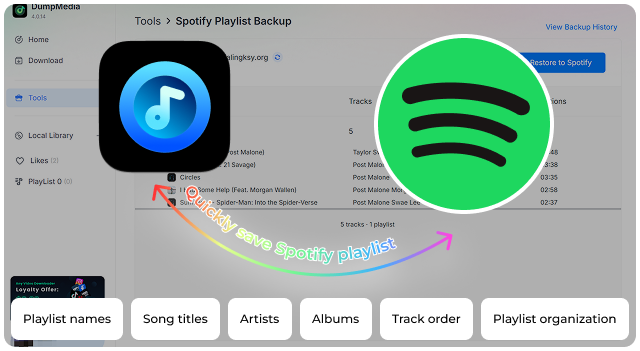
With DumpMedia Spotify Playlist Backup, you can securely save your Spotify playlist structure, including playlist names, track information, and playlist organization.
Keep a personal backup of your music collections and easily restore or migrate your playlists whenever needed. Never worry about losing your carefully organized Spotify playlists again.
*Note: This program is for personal use only.
DumpMedia strictly follows United States Copyright regulations. We adopt leading technology to record unencrypted audio data while maintaining lossless sound quality.
More details here
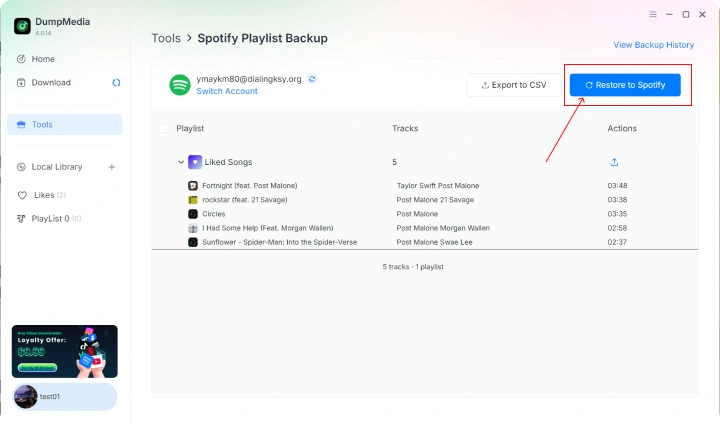
Restore Playlists Whenever You Need Lost a playlist? Created a new Spotify account? Need to recover your music collection? With your saved backup data, you can restore your playlist structure quickly and conveniently. Whether you want to rebuild your personal library or transfer playlists between accounts, DumpMedia Spotify Playlist Backup makes the process easier.
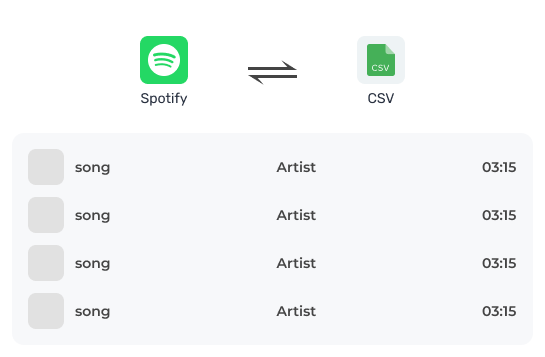
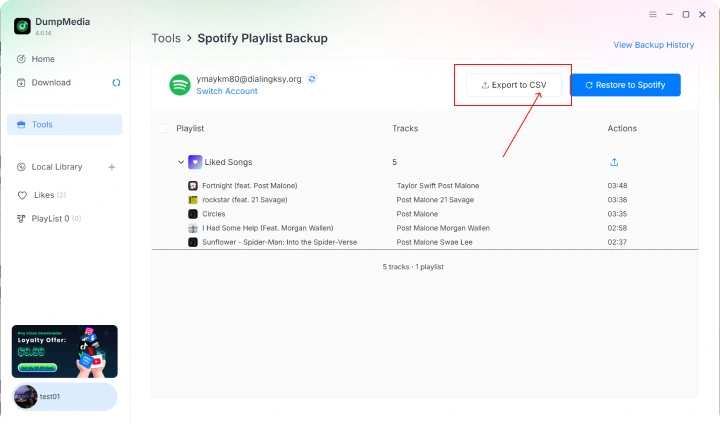
Backup Spotify Playlists as CSV Files CSV files are easy to open, organize, and store, giving you a flexible way to manage your Spotify playlist backups anytime. With CSV backup support, DumpMedia Spotify Playlist Backup lets you retain a readable copy of your playlist data, including playlist names, track titles, artists, and other essential information.
More Features
Preserve Your Playlist Organization
DumpMedia Spotify Playlist Backup helps maintain your playlist structure, so you don't have to start from scratch. Keep your collections organized exactly the way you like them.
Simplify Spotify Playlist Migration
Changing accounts or moving your music collection can be time-consuming. Instead of manually searching for every song and recreating playlists, use your backup data to make playlist migration faster and more efficient.
Simple and User-Friendly Operation
No complicated settings or technical knowledge required. The intuitive interface allows you to back up your Spotify playlists quickly, even if you are not familiar with playlist management tools. Simply connect, select your playlists, and create your backup.
4 Steps
How Does DumpMedia Spotify Playlist Backup Work?
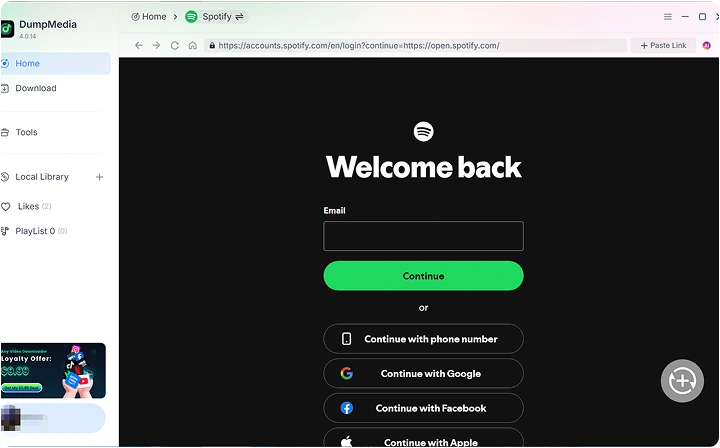
Step 1: Connect Your Spotify Account Launch DumpMedia Spotify Playlist Backup and securely access your Spotify playlists.
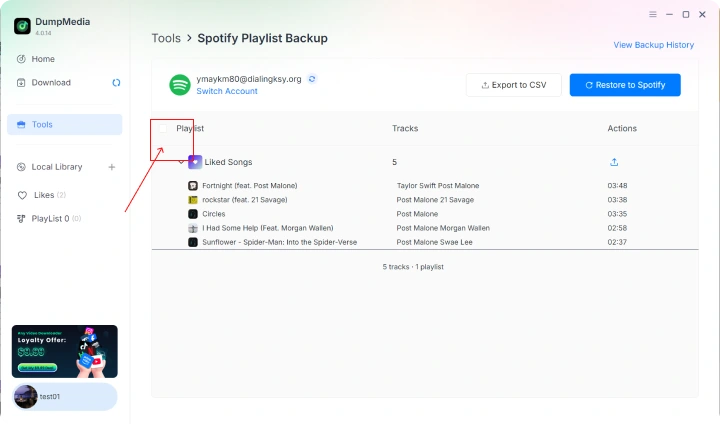
Step 2: Select Playlists to Backup Choose the playlists you want to save from your Spotify library.
Step 3: Create Your Backup File Start the backup process and save your playlist information locally.
Step 4: Restore or Migrate Anytime Use your backup data whenever you need to recover or reorganize your playlists.
Step 1
Step 2
Step 3
Step 4
Get Pro Version Now
Upgrade to DumpMedia Spotify Playlist Backup Pro and unlock complete playlist backup capabilities. Save more playlists, create flexible backups, and keep your music collections protected whenever you need them.
Frequently Asked Questions
1. What does DumpMedia Playlist Backup actually back up?
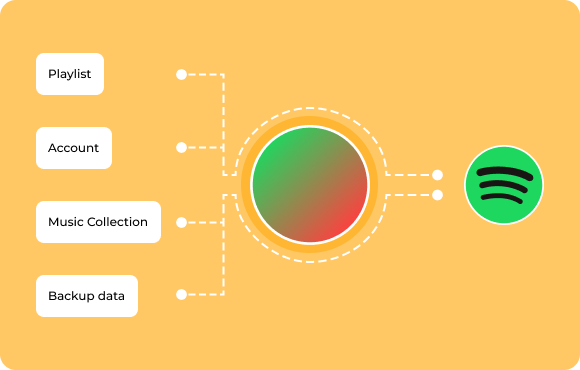
DumpMedia Spotify Playlist Backup saves your Spotify library, including playlists, liked songs, artists, albums, and podcast collections. It preserves playlist information without downloading or storing the original audio files.
2. Can DumpMedia back up my Spotify songs?
DumpMedia Spotify Playlist Backup focuses on backing up playlist structure and information, not downloading copyrighted music files.
3. Can I export my playlist backup data?
Yes. Playlist Backup with the Pro plan lets you export playlist information as CSV files for additional backup and record-keeping.
4. Can I restore playlists?
Yes. If you've created a backup before the playlist was deleted or changed, you can restore it back to Spotify.
5. Does it support multiple Spotify playlists?
Yes. You can back up multiple playlists and keep your music collections organized with the Pro plan.
6. Is my Spotify account safe?
Yes. DumpMedia Spotify Playlist Backup uses secure authorization methods to access your Spotify playlists. You don’t need to share your Spotify password with us. Your account credentials remain private, and your playlist data is only used for backup and restore operations.
7. How can I manage Spotify backup history?
Log in to the DumpMedia Account Center to access Backup History, where you can view backups, export backup files, or restore playlists.
Protect Your Spotify Playlists Before It's Too Late
Your Spotify playlists represent your music history. Don't wait until you lose access to an important playlist or need to rebuild your collection manually. With DumpMedia Spotify Playlist Backup, you can create a secure copy of your playlist structure and keep your music organization available whenever you need it. Backup today and keep your playlists under your control.