Amazon Music Converter Icon

DumpMedia Any Music Converter

The all-in-one solution is designed to give you full control over your music experience. It supports conversion from nine major streaming platforms, including Spotify, Apple Music, Amazon Prime Music, Deezer, Pandora, YouTube Music, LINE MUSIC, SoundCloud, and Audible. With fast performance and high-quality output, you can save your favorite tracks, playlists, audiobooks, and podcasts in common audio formats for flexible playback across devices. Enjoy your music anytime, anywhere, without platform limitations.

Mac Mac

Win Win

*Note: This program is for personal use only.

screen Screen
mobile-screen

DumpMedia strictly follows United States Copyright regulations. We adopt leading technology to record unencrypted audio data while maintaining lossless sound quality.

More details here

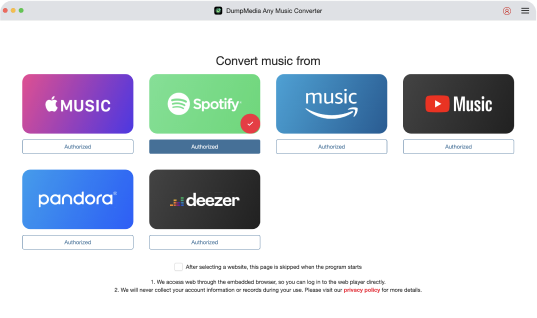
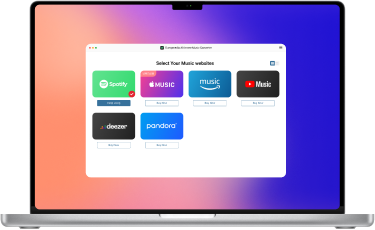
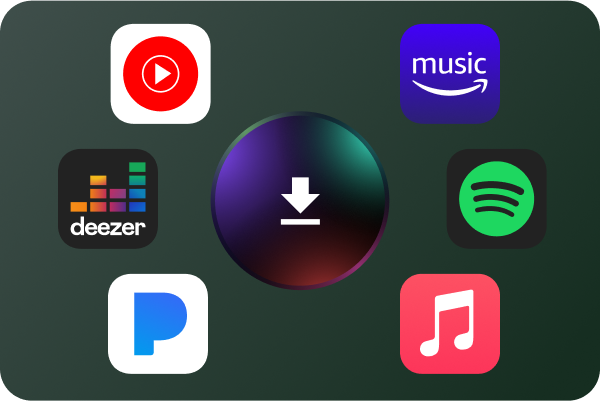
Effortless Music/Audiobook Conversion Across Various Platforms Any Music Converter allows you to effortlessly download and convert music from platforms like Spotify, Apple Music, Amazon Music Unlimited, Deezer, Pandora, SoundCloud, Line Music, and YouTube Music. Also, Audible audiobooks can be downloaded. To make sure you can locate the tracks you need easily, DumpMedia offers built-in online player access to the whole music platform collection prior to conversion.

Save Amazon Music Unlimited Content All Around the World

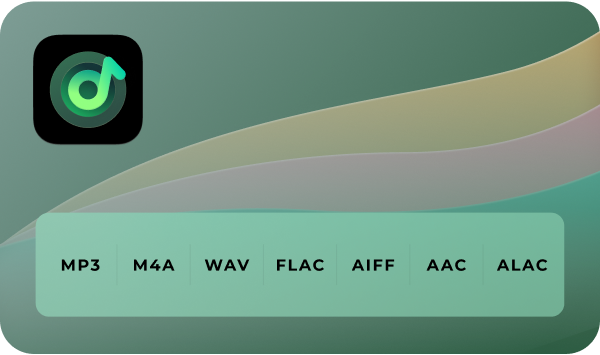
Flexible Output Formats for All Kind of Music Requirement DumpMedia Any Music Converter allows you to convert streaming audio to MP3, M4A, WAV, FLAC, AIFF, AAC, and ALAC. Once the conversion is complete, effortlessly transfer your music to various devices, including MP3 players, iPod, Roku TV, Google Home and more. Relish the freedom of limitless offline playback wherever you go.

product desc high definition

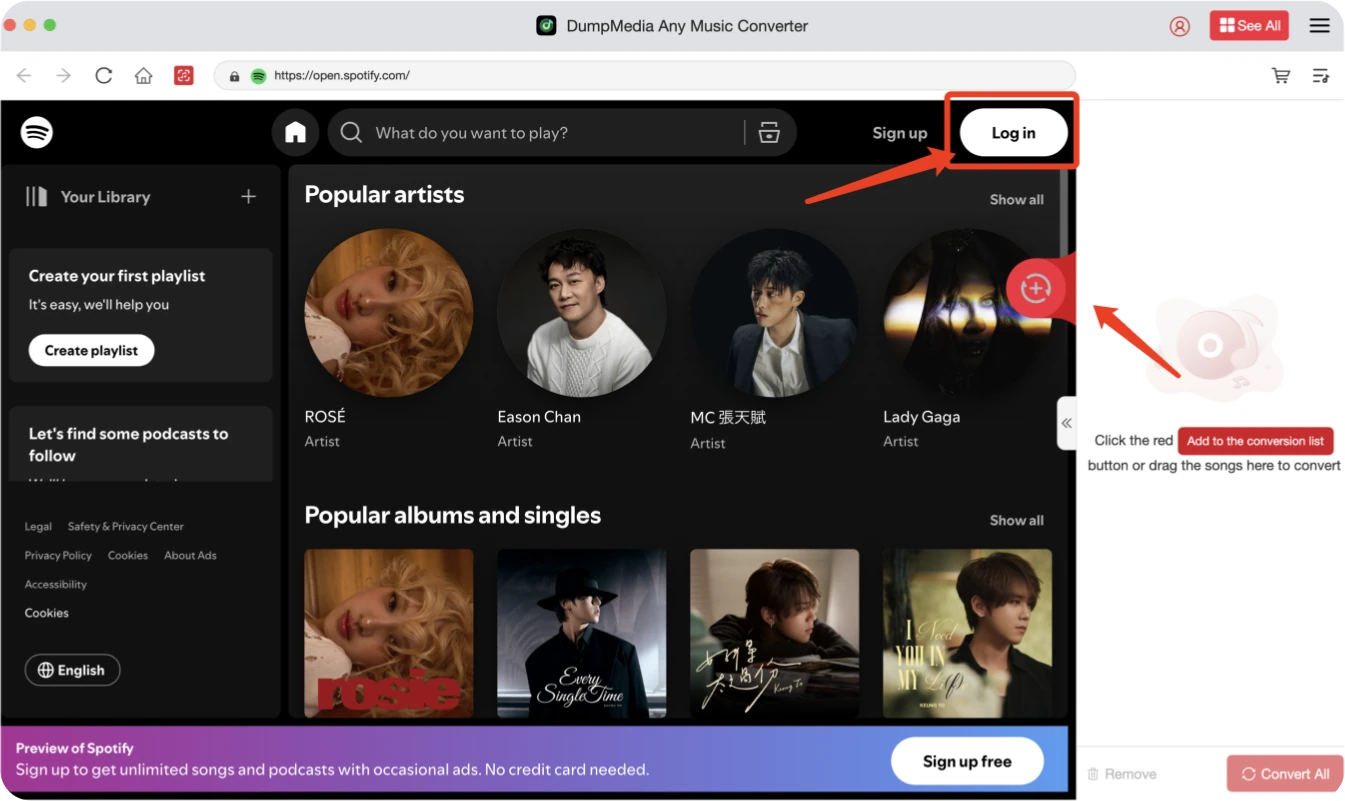
Integrated Web Player for Authentic Streaming Experience DumpMedia Any Music Converter features a built-in web player, letting you browse, download, and enjoy streaming music just like on the official platforms. This seamless integration provides a user-friendly interface, making it easy to find and convert your favorite tracks. Streamlining the entire process, DumpMedia offers ultimate convenience, allowing you to manage everything from browsing to downloading within a single program.

Integrated web player

Preserve ID3 Tags for Seamless Music Management With DumpMedia Any Music Converter, all ID3 tags are meticulously preserved during the conversion process, ensuring that your music library remains organized and easy to manage. Essential metadata such as song title, artist, album, genre, and cover art is retained, providing a streamlined way to sort and access your collection.

Preserve ID3 Tags

Superior Audio Quality for Perfect Listening DumpMedia Any Music Converter guarantees exceptional audio quality, supporting lossless formats like FLAC and WAV, as well as 320kbps MP3 and M4A. It retains outstanding sound throughout the conversion process, producing clear music in popular formats. Enjoy your favorite tunes with unrivaled quality across all of your devices.

product desc listen

Advanced Features

language

Multi-language Support

Language is available in English, Japanese, Chinese, and more will be added.

setting

Easy-to-use UI Design

Simple and easy-to-understand app design satisfies user experience.

original-icon

100% original Perservaison

It keeps ID tags and metadata information.

support

Quick and Professional Technical Support

A technical support team offers quick and professional services.

Steps to Use DumpMedia Any Music Converter

Any Music Converter
step1 step2 step3

See our User Guide for more detailed instructions.

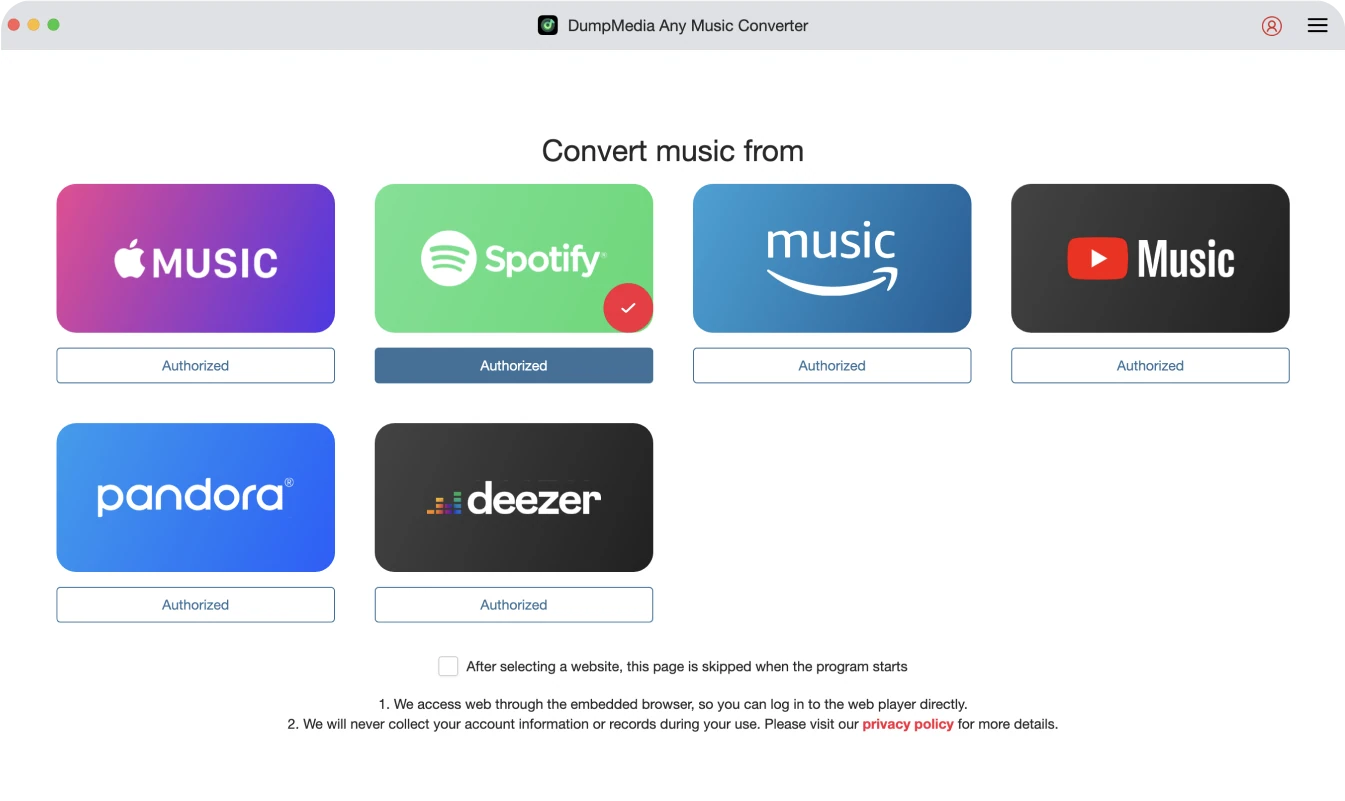
Step 1. Choose a music platform to enter its web player. Launch DumpMedia Any Music Converter, then select a music streaming platform where you want to download songs.

Step 2. Log into Music Account to Choose Songs. Once logged in, drag and drop tracks, albums, playlists or podcasts onto the Convert button and select the desired output format.

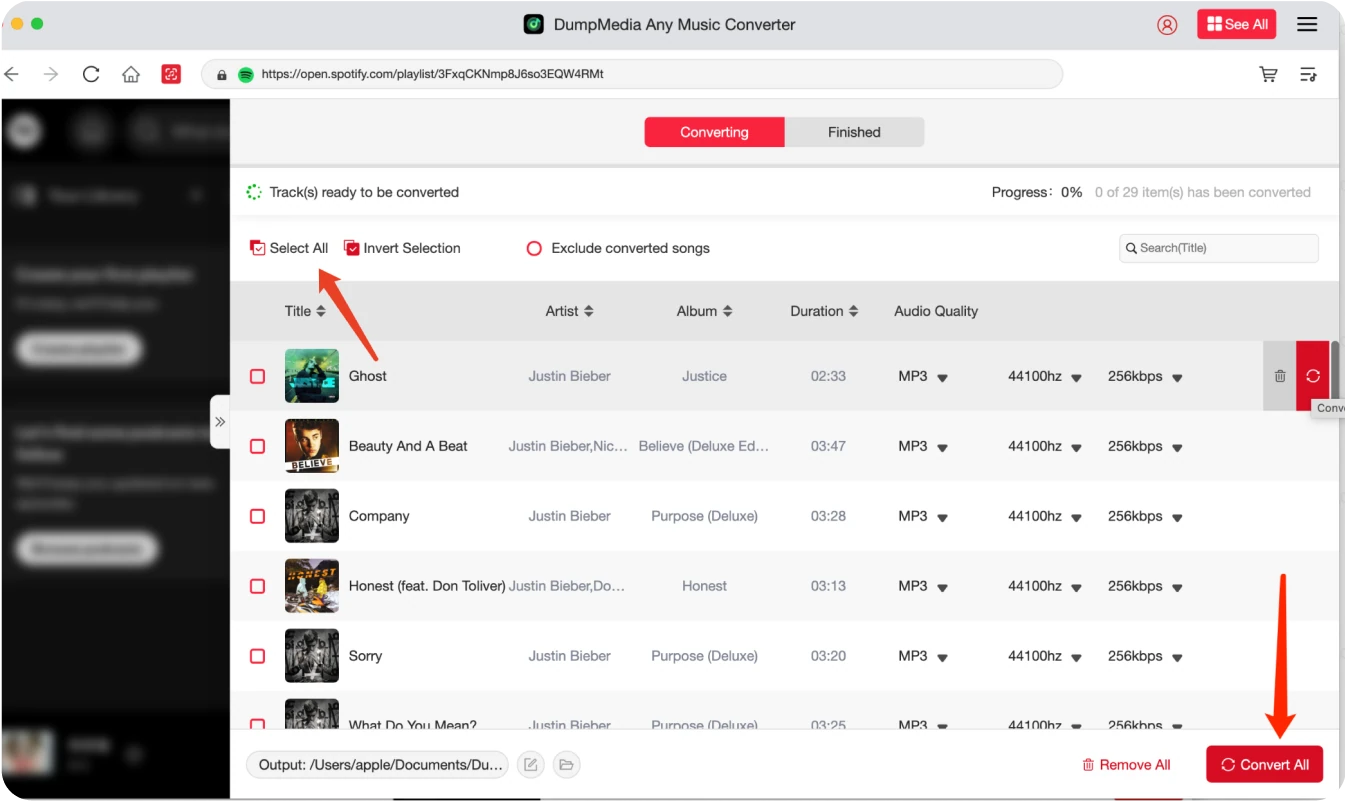
Step 3. Convert the Songs. Click "Convert All" to start batch converting songs with 10X faster speed and original quality.

Step 1

Step 2

Step 3

Tech Specs

System Requirements

Windows OS: Windows 7 or later (64-bit required)

Mac OS: macOS X 10.15 or higher

Resolution: 1024×768 display or above

Processor: 1G Hz processor or above

RAM: 512 MB or more (1GB Recommended)

Supported Input Content

Songs, Albums, Playlists, Podcasts, and Audiobooks from Spotify, Apple Music, Amazon Music, Deezer, Pandora, YouTube Music, Audible, etc. Local audio files are also supported.

Supported Output Formats

Windows/Mac: MP3, WAV, FLAC, AIFF, M4A (AAC and ALAC codecs)

Morgan Smith Michael Nguyen Lina Park

DumpMedia Any Music Converter makes it so easy to get music from different platforms and avoids downloading multiple converters. The quality is fantastic, and I can keep all my songs in one place.

Morgan Smith

DumpMedia Any Music Converter does exactly what I need—turns streaming songs into high-quality files. It keeps all my music organized and sounding clear.

Michael Nguyen

The speed of DumpMedia’s conversions is fantastic. It’s so quick, I can convert my whole playlist in minutes. Great tool for fast results!

Lina Park

Write A Review

More Review

Tell us what you think

Please Rate Our Products, Thank You.

close

Submit

FAQs

1. What's the limitation of the free trial version?

With the free trial version, you can only convert 3 full songs. To convert more tracks without any limitations, you will need to register and activate the full version of the software.

2. Should I subscribe to Apple Music?

DumpMedia Any Music Converter does NOT include any streaming service subscriptions. It is a music converting tool only. To access and convert music, users must log in with their own streaming service accounts. The availability of songs depends entirely on the subscription status of the account being used. For example, to access and convert Apple Music tracks, you must first subscribe to Apple Music with your own account. As for other platforms that offer free streaming services, you can use a free account to access and convert music tracks.

3. How to retrieve DumpMedia registration code?

Go to the license retrieval page: https://www.dumpmedia.com/support/license-retrieval/

4. What's the DumpMedia refund policy?

Go to the refund policy page:  https://www.dumpmedia.com/refund-policy/

5. How to install & register DumpMedia All-in-One Music ?

Go to this guide.

6. Where to buy DumpMedia All-in-One Music Converter?

Where to buy DumpMedia All-in-One Music? here.

For Mac users click here.

More FAQs

Any Music Converter Icon

Free Try

Any Music Converter

The top streaming music converter for downloading tracks from Spotify, Apple Music, Amazon Prime Music, Deezer, Pandora, YouTube Music, SoundCloud, and Line Music to various common audio formats with original quality. Also, Audible audiobooks can be downloaded.

video playback
Sign up to get 30% Off Sign up to get
30% Off >>>