
DumpMedia Line Music Converter
Keep your Line Music forever, even without a premium subscription!



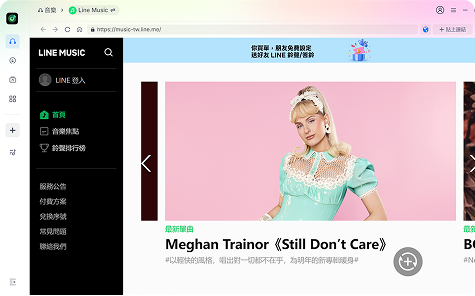
Keep your Line Music forever, even without a premium subscription!
DumpMedia strictly follows United States Copyright regulations. We adopt leading technology to record unencrypted audio data while maintaining lossless sound quality.
More details here
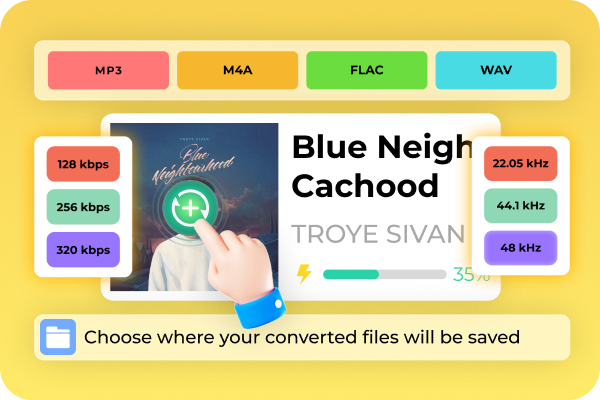
Convert Line Music Tracks with Lossless Quality DumpMedia Line Music Converter preserves 100% of the original audio fidelity, allowing you to export Line Music tracks, playlists, and albums into popular formats such as MP3, M4A, FLAC, or WAV. Whether you’re a casual listener or an audiophile, you’ll get crisp, clear sound with up to 320 kbps bitrate and 48 kHz sample rate — perfect for any device or speaker system.
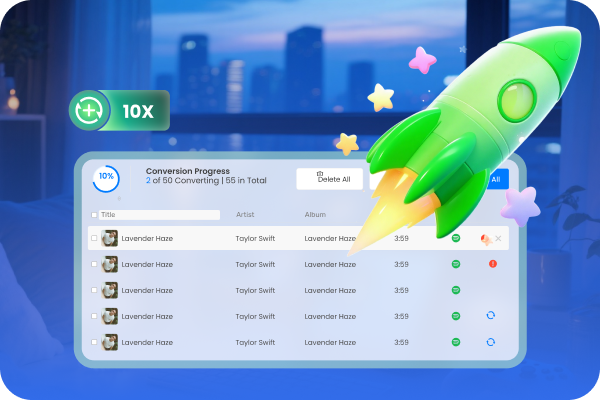
Up to 10X Faster Conversion Speed With DumpMedia’s advanced acceleration technology, Line Music songs convert at speeds up to 10 times faster than real-time playback. You can process entire playlists or albums in just minutes, without compromising sound quality or stability.
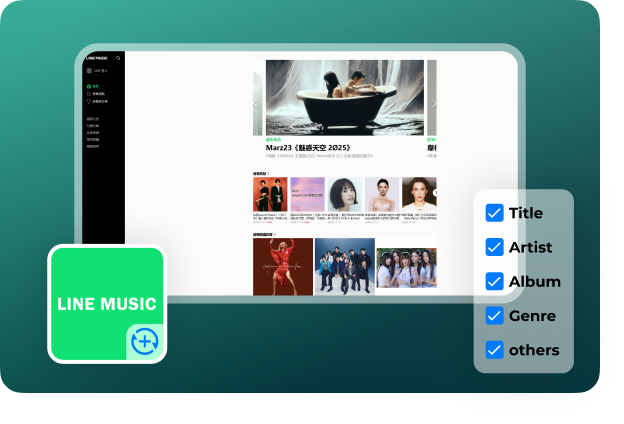
Retain ID3 Tags and Metadata Automatically Keep your library perfectly organized. The converter automatically preserves every song’s ID3 tags and metadata, including: Title, Artist, Album, Genre, and others. This means all your converted songs are neatly categorized and instantly recognizable in MP3 player, VLC, Windows Media Player, or any other player you use.
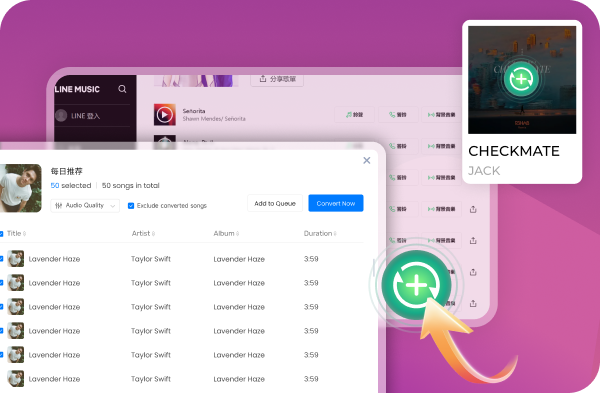
Batch Download and Conversion Made Easy Convert multiple songs, albums, or entire playlists all at once — with just one click. DumpMedia Line Music Converter supports bulk adding songs, saving you time and effort. Simply log in, select your favorite playlists, and the program handles everything in the background.
Advanced Features

User-Friendly Interface
No technical knowledge required! DumpMedia Line Music Converter is built for simplicity and efficiency.

Compatible with Windows and macOS
Enjoy consistent performance on both Windows and macOS systems.

Safe, Secure, and Ad-Free Environment
DumpMedia provides a 100% clean, ad-free workspace with no malware, spyware, or bundled software.

Free Updates & Technical Support
DumpMedia offers free lifetime updates, ensuring compatibility with the latest Line Music versions and operating systems.
Steps to Use DumpMedia Line Music Converter
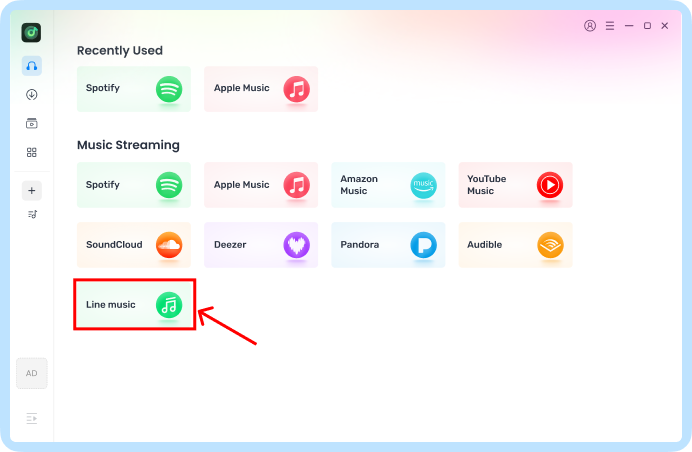
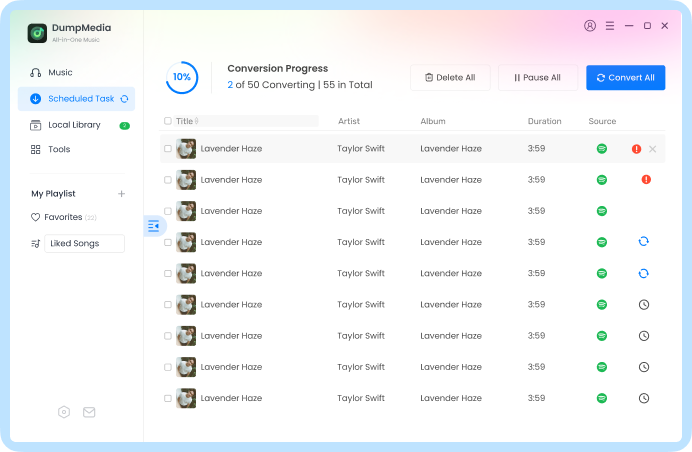
Step 1. Launch Line Music Converter Launch DumpMedia, then drag and add Line songs/playlists/albums into the program.
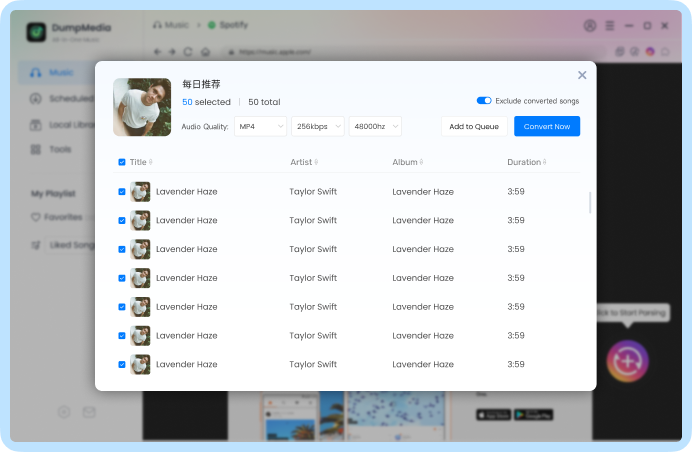
Step 2. Select Output Format Choose the output format and output folder for the converted Line Music songs, such as MP3.
Step 3. Convert the Songs Click on the "Convert" button to convert Line songs to MP3 at 10X faster speed and original quality.
Step 1
Step 2
Step 3
Tech Specs
Installation Requirements
Windows OS: Windows 11/10/8.1/8/7/Vista/XP (32 bits & 64 bits)
Mac OS: Mac OS X 10.12 or above (macOS Ventura)
Resolution: 1280 x 800 display or above
CPU: 1GHz Intel® processor and Apple M1 chip
RAM: 512 MB or more (1GB Recommended)
Display Card: Accelerated 3D graphics – 64MB RAM
Hard Disk: 2GB hard drive space
Other: Activated Line Music Free or Premium Account
Tell us what you think
Please Rate Our Products, Thank You.

FAQs
1. What's the limitation of the free trial version?
With the free trial version of DumpMedia Line Music Converter, you can only convert the first 3 minutes of each song. Once you purchase a subscription, this limitation will be removed.
2. What kinds of audio formats could be converted?
Songs, albums, playlists, and podcasts from Line Music.
3. How to retrieve the DumpMedia registration code?
Go to the license retrieval page: https://www.dumpmedia.com/refund-policy/
4. What's the DumpMedia refund policy?
Go to the refund policy page: https://www.dumpmedia.com/refund-policy/
5. How to install & register Line Music Converter?
Go to this guide.


For me, the strength of DumpMedia Line Music Converter is in its simplicity. You don’t need to be an expert to use it. The tool itself works consistently, and I use it almost daily.
Justin
An excellent product! It is just what I needed. They’ve been quick to release updates with each macOS change to keep everything running smoothly. DumpMedia helpdesk is also great and responsive. I had a couple of teething problems, which they resolved quickly and effectively.
Miranda
This has become one of my everyday tools. I use it to grab tracks from Line Music, and I’ve had no issues with stability. Customer service could be faster, but at least they do respond and help when needed.
Melody
Write A Review
More Review