Enjoy greater flexibility with your AI-generated music.


*Obs: Det här programmet är endast för personligt bruk.
DumpMedia följer strikt USA:s upphovsrättsbestämmelser. Vi använder ledande teknik för att spela in okrypterad ljuddata med bibehållen förlustfri ljudkvalitet.
Mer information här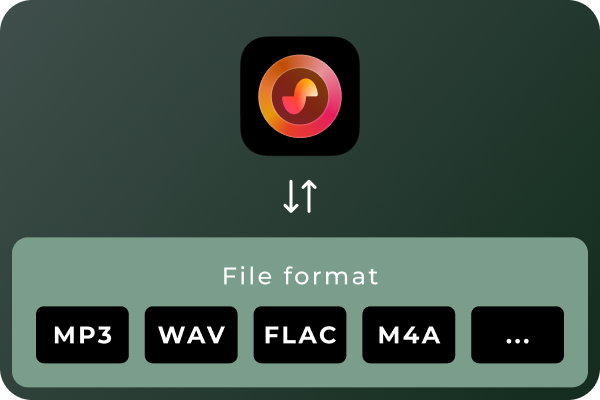
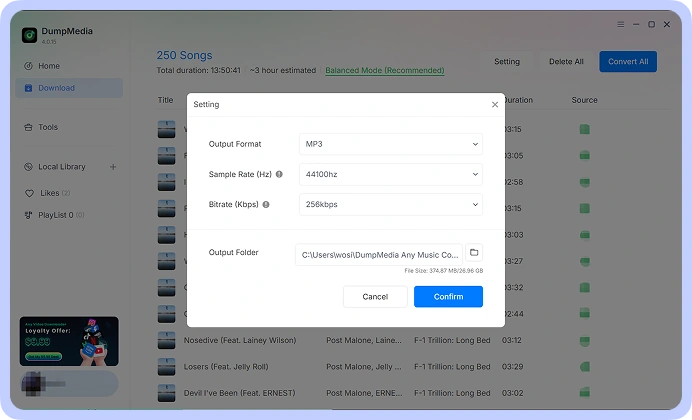
Convert Suno Songs to Multiple Audio Formats Different situations call for different audio formats. MP3 is a practical choice for everyday listening and portable devices, while WAV and FLAC can be useful for audio workflows that prioritize uncompressed or lossless files. With DumpMedia Suno Music Converter, you can convert Suno music to MP3, WAV, FLAC, M4A, and other supported formats. Choose the format that best suits your playback devices, storage preferences, or audio workflow.
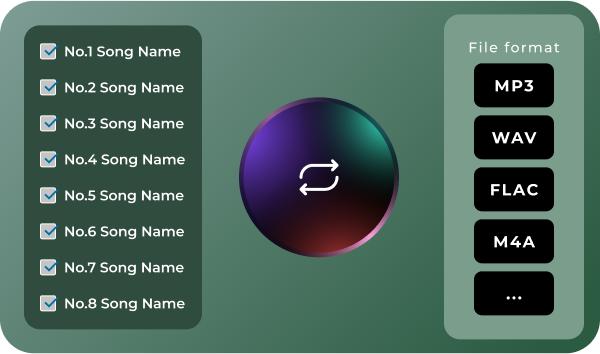
Convert Multiple Songs in Batches Managing a large music collection can become time-consuming when every track needs to be handled separately. DumpMedia Suno Music Converter supports batch processing, helping you work with multiple songs in a more organized workflow. Select the tracks you want to process, configure your output preferences, and manage the conversion tasks together. Spend less time repeating the same steps and more time enjoying or organizing your music.
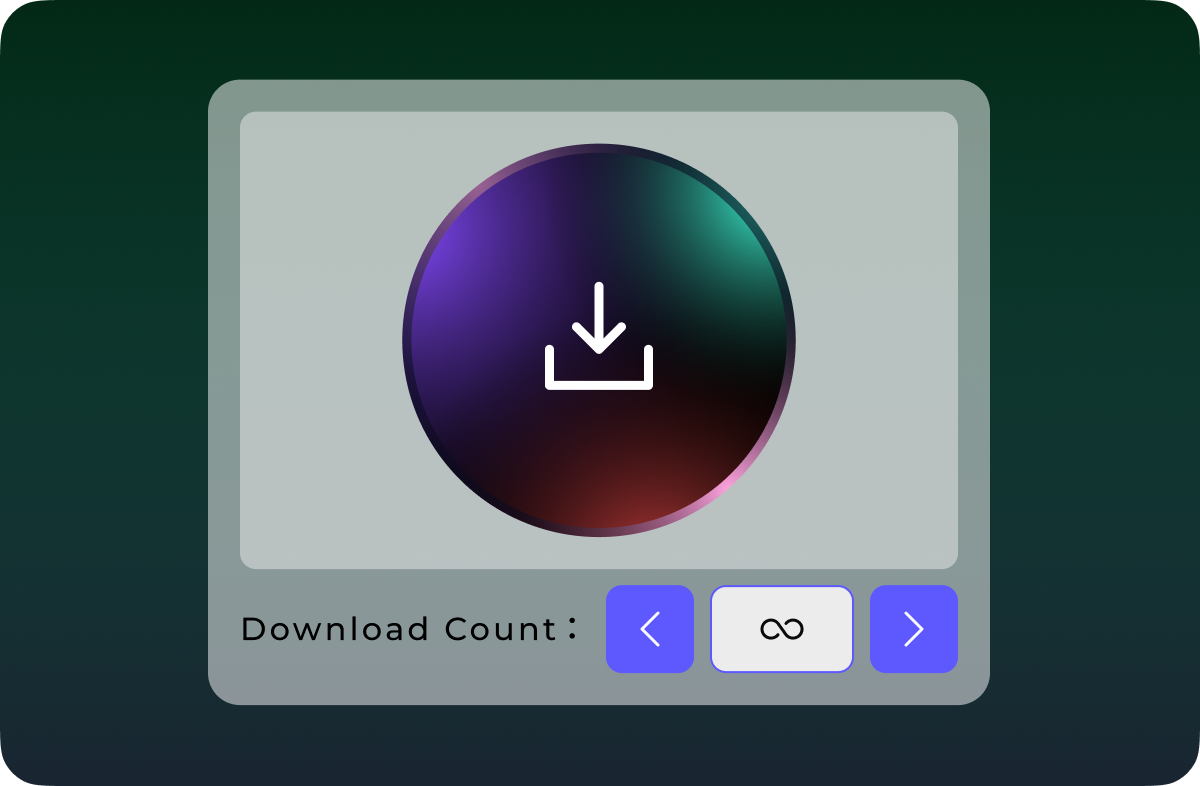
Download Suno Music Without Quantity Limits Don't let download quotas interrupt your music collection. Unlike Suno's official download options, which are subject to plan-based download limits, DumpMedia Suno Music Converter lets you download and convert Suno songs without a limit on the number of tracks processed. Whether you're saving a few favorite songs or building a large collection of AI-generated music, enjoy greater flexibility with unlimited song downloads.
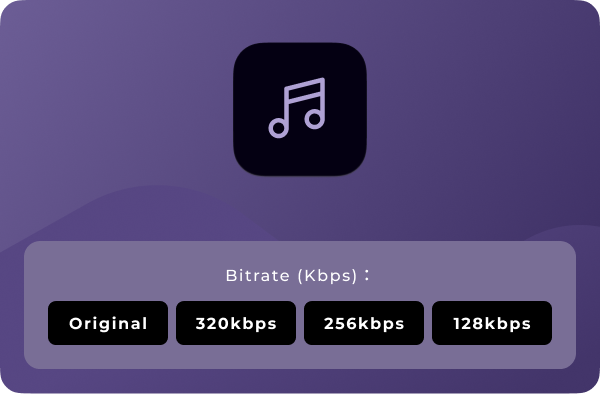
Anpassa ljudkvalitet Your preferred audio settings may vary depending on how you plan to use your music. DumpMedia Suno Music Converter lets you choose available output-quality settings so you can tailor converted files to your needs. Whether you prefer more compact files for everyday listening or higher-quality output for compatible audio workflows, you can select from the options provided by the software. Note: Output quality depends on the available settings and the quality of the source audio. Converting a file to a lossless format does not restore audio information absent from the original source.
Avancerade funktioner

Användarvänligt gränssnitt
Enjoy a seamless listening experience with the built-in Suno player. Preview your favorite tracks and manage your music without switching between apps.

Säkert och integritetsfokuserat
Keep your music management workflow focused on your own device, with no unnecessary sharing of your local music files.

Löpande support och uppdateringar
Get access to product updates and support resources to help you maintain a smooth music conversion experience.

Bevara metadata
Keep essential song metadata, such as track titles and artist information, organized in your converted music files for easier browsing and management.

Rensa cache
Clear cached data to free up storage space and keep your music management experience smooth and organized.
Så här använder du DumpMedia Suno musikkonverterare
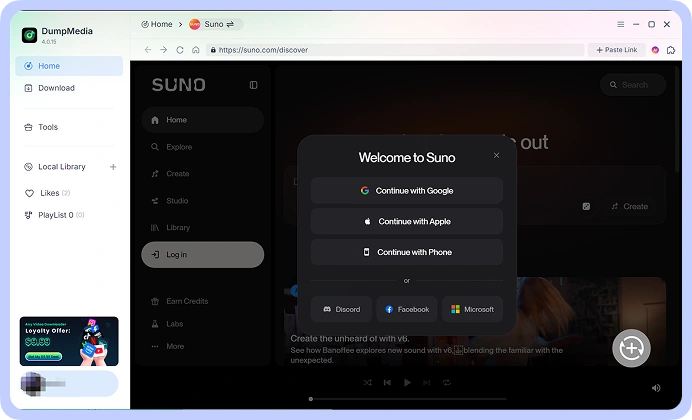
Steg 1. Connect your Suno account and access your music library. Choose the song.
Steg 2. Välj ditt önskade format, till exempel MP3, WAV, FLAC, or M4A, from the available options. Adjust the output-quality settings to suit your requirements.
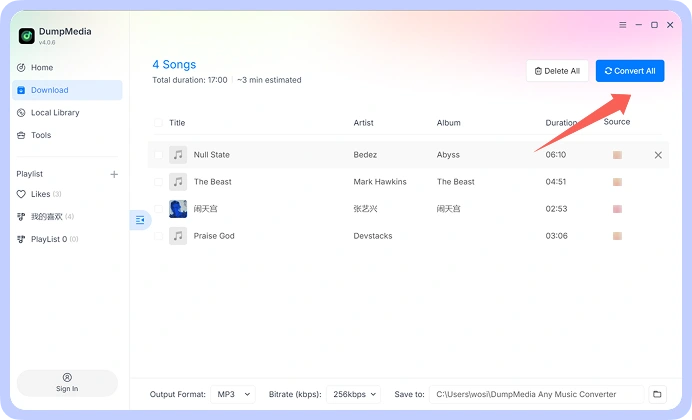
Steg 3. Start the conversion process and save the resulting audio files to your computer. Your converted files are then available for local playback and organization.
steg 1
steg 2
steg 3
Teknisk info
Systemkrav
WinDows OS: Windows 7 eller senare (64-bitars krävs)
Mac OS: macOS X 10.15 eller senare
Upplösning: 1024×768 skärm eller högre
Processor: 1 GHz processor or above
BAGGE: 512 MB or more (1 GB recommended)
Stödd inmatningsinnehåll
Songs, Albums, and Playlists from Suno.
Stödda utdataformat
WinDows/Mac: MP3, WAV, FLAC, AIFF, M4A (AAC- och ALAC-codecs)
Vanliga frågor om partihandel med mat och dryck
1. Vilka är begränsningarna med den kostnadsfria testversionen?
With the free trial version, you can only convert 3 full songs from Suno. To convert more tracks without any limitations, you will need to register and activate the full version of the software.
2. Can I convert multiple Suno songs at once?
Ja. DumpMedia Suno Music Converter supports batch processing, allowing you to handle multiple tracks within a single workflow rather than repeating the process for every song.
3. Where to buy Suno Music Converter?
För det mesta, ja. DumpMedia använder ett smart matchningssystem för att hitta samma eller liknande låtar på olika plattformar. Även om det är sällsynt kan vissa låtar vara otillgängliga på din nya tjänst och kommer inte att överföras.
4. Hur man hämtar DumpMedia registreringskod?
Gå till sidan för återbetalningspolicy: https://www.dumpmedia.com/refund-policy/
5. Which audio formats does DumpMedia Suno Music Converter support?
The software is designed to support MP3, WAV, FLAC, M4A, and other available output formats. Check the format options in your software version for the complete list.
Gratis försök
Suno musikkonverterare
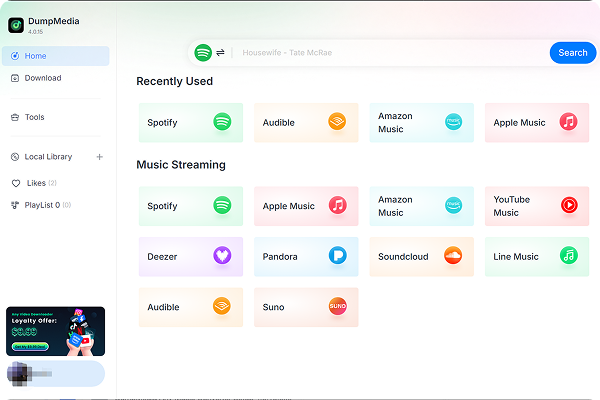
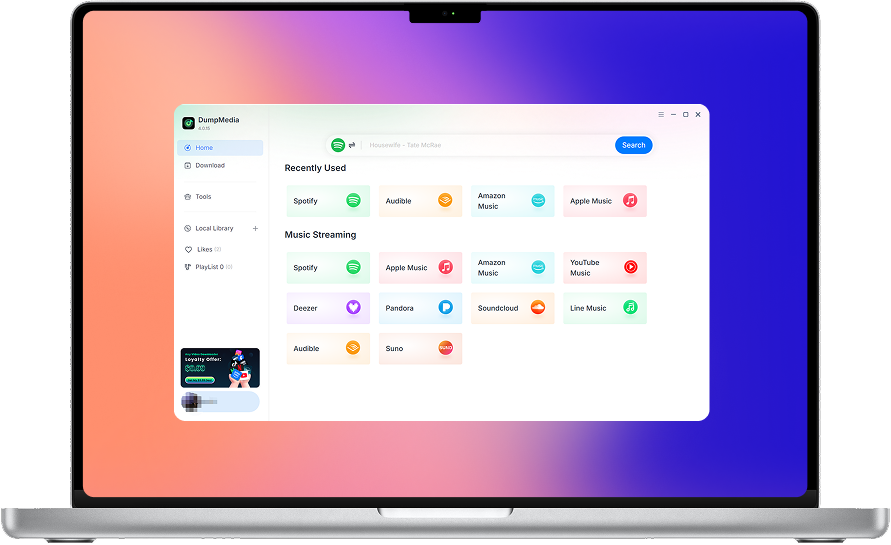
DumpMedia Suno Music Converter helps you convert and save your Suno music in the audio formats you need. Access your Suno music library, process multiple songs in batches, choose your preferred audio quality, and keep your favorite tracks organized on your computer.