Enjoy greater flexibility with your AI-generated music.
DumpMedia 미국 저작권 규정을 엄격히 준수합니다. 무손실 음질을 유지하면서 암호화되지 않은 오디오 데이터를 녹음하는 선도적인 기술을 채택합니다.
여기에 더 자세한 정보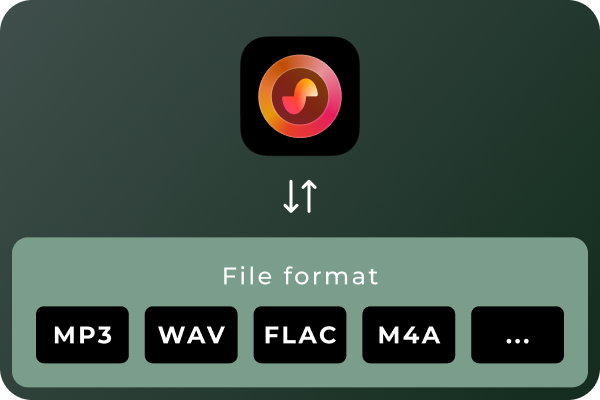
Convert Suno Songs to Multiple Audio Formats Different situations call for different audio formats. MP3 is a practical choice for everyday listening and portable devices, while WAV and FLAC can be useful for audio workflows that prioritize uncompressed or lossless files. With DumpMedia Suno Music Converter, you can convert Suno music to MP3, WAV, FLAC, M4A, and other supported formats. Choose the format that best suits your playback devices, storage preferences, or audio workflow.
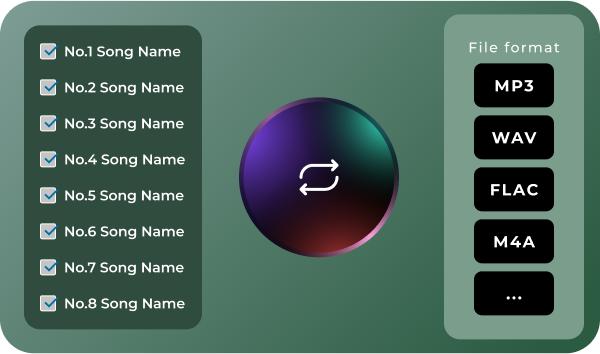
Convert Multiple Songs in Batches Managing a large music collection can become time-consuming when every track needs to be handled separately. DumpMedia Suno Music Converter supports batch processing, helping you work with multiple songs in a more organized workflow. Select the tracks you want to process, configure your output preferences, and manage the conversion tasks together. Spend less time repeating the same steps and more time enjoying or organizing your music.
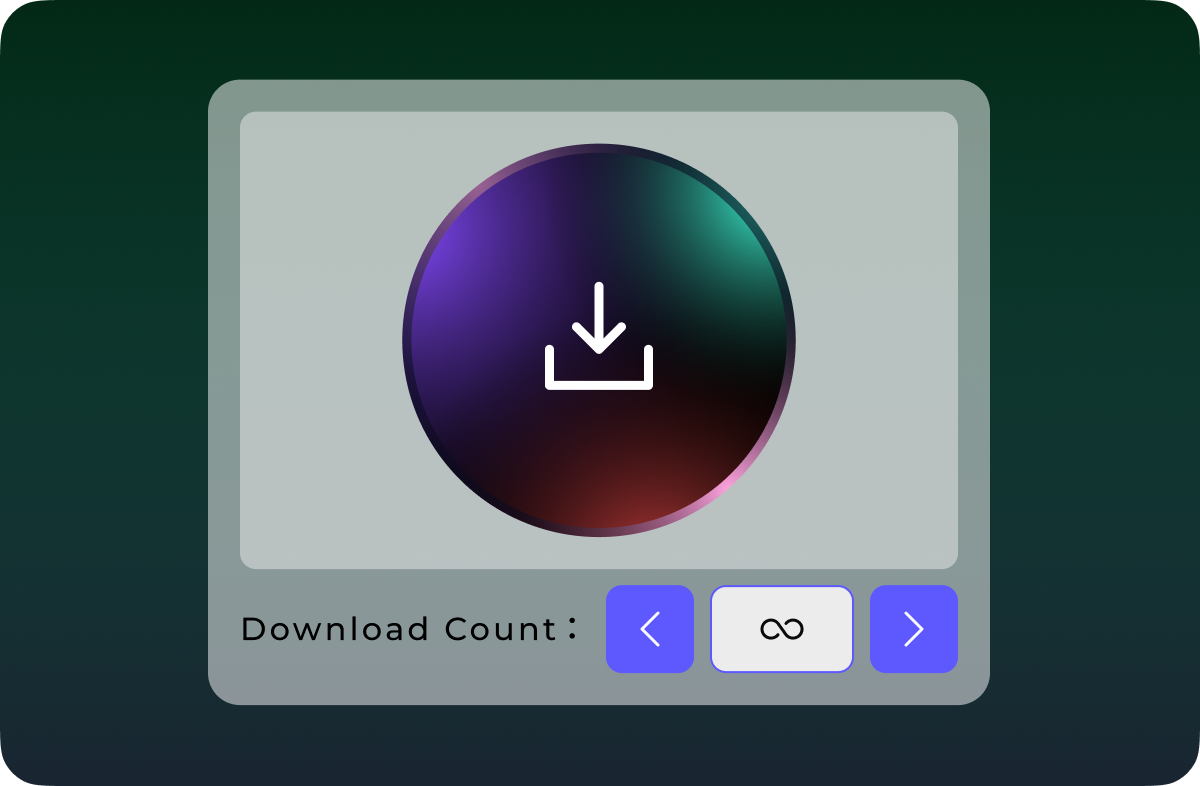
Download Suno Music Without Quantity Limits Don't let download quotas interrupt your music collection. Unlike Suno's official download options, which are subject to plan-based download limits, DumpMedia Suno Music Converter lets you download and convert Suno songs without a limit on the number of tracks processed. Whether you're saving a few favorite songs or building a large collection of AI-generated music, enjoy greater flexibility with unlimited song downloads.
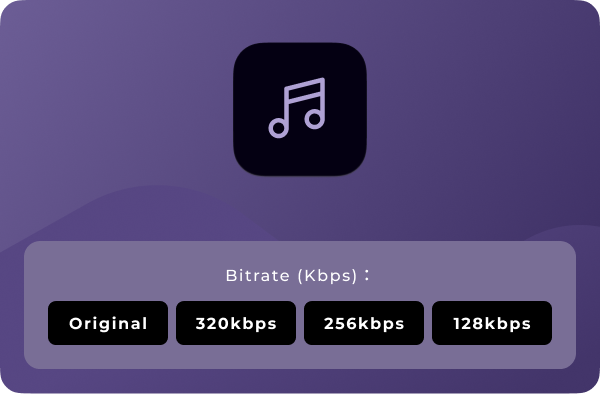
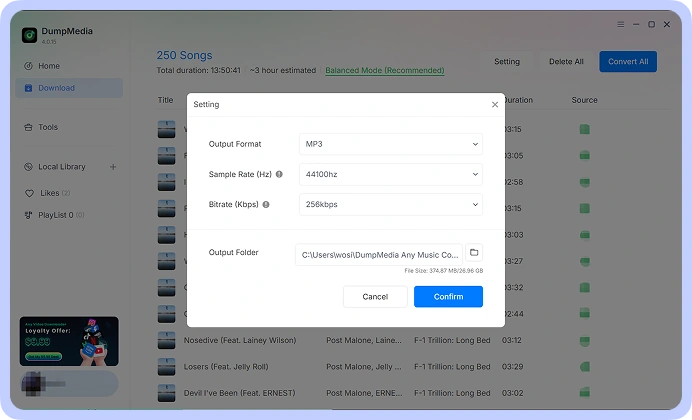
오디오 품질 사용자 정의 Your preferred audio settings may vary depending on how you plan to use your music. DumpMedia Suno Music Converter lets you choose available output-quality settings so you can tailor converted files to your needs. Whether you prefer more compact files for everyday listening or higher-quality output for compatible audio workflows, you can select from the options provided by the software. Note: Output quality depends on the available settings and the quality of the source audio. Converting a file to a lossless format does not restore audio information absent from the original source.
고급 기능

사용자 친화적 인 인터페이스
Enjoy a seamless listening experience with the built-in Suno player. Preview your favorite tracks and manage your music without switching between apps.

안전하고 개인정보 보호에 중점을 둡니다.
Keep your music management workflow focused on your own device, with no unnecessary sharing of your local music files.

지속적인 지원 및 업데이트
Get access to product updates and support resources to help you maintain a smooth music conversion experience.

메타데이터 보존
Keep essential song metadata, such as track titles and artist information, organized in your converted music files for easier browsing and management.

캐시 지우기
Clear cached data to free up storage space and keep your music management experience smooth and organized.
이용 방법 DumpMedia Suno 음악 변환기
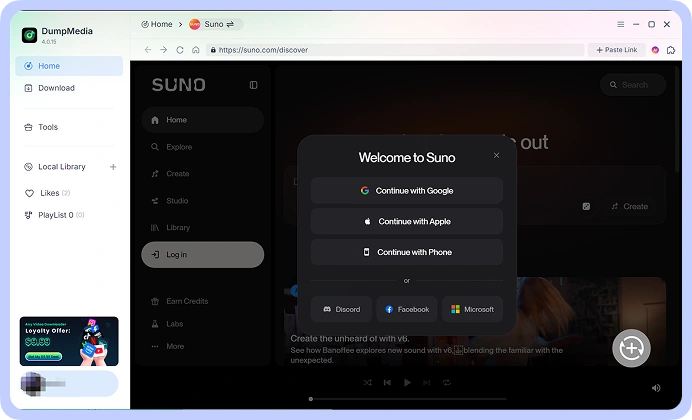
1 단계 Connect your Suno account and access your music library. Choose the song.
2 단계 원하는 형식을 선택하세요. MP3, WAV, FLAC, or M4A, from the available options. Adjust the output-quality settings to suit your requirements.
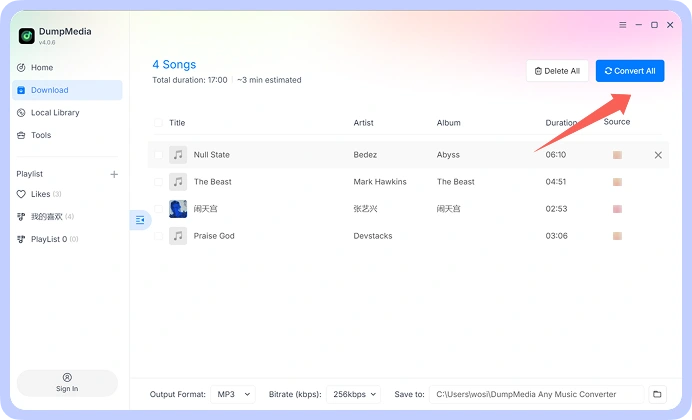
3 단계 Start the conversion process and save the resulting audio files to your computer. Your converted files are then available for local playback and organization.
1단계
2단계
3단계
기술 사양
시스템 요구 사항
Win다우즈 OS: Win다우존스 7 이상 (64비트 필요)
Mac OS: macOS X 10.15 이상
해상도: 1024×768 이상
컴퓨터 : 1 GHz processor or above
램: 512 MB or more (1 GB recommended)
지원되는 입력 콘텐츠
Songs, Albums, and Playlists from Suno.
지원되는 출력 형식
Win다우스/맥: MP3WAV, FLAC, AIFF, M4A (AAC 및 ALAC 코덱)
자주 묻는 질문
1. 무료 체험판의 제한 사항은 무엇인가요?
With the free trial version, you can only convert 3 full songs from Suno. To convert more tracks without any limitations, you will need to register and activate the full version of the software.
2. Can I convert multiple Suno songs at once?
예. DumpMedia Suno Music Converter supports batch processing, allowing you to handle multiple tracks within a single workflow rather than repeating the process for every song.
3. Where to buy Suno Music Converter?
대부분은 그렇습니다. DumpMedia 스마트 매칭 시스템을 사용하여 여러 플랫폼에서 동일하거나 유사한 노래를 찾아줍니다. 드물지만 일부 곡은 새 서비스에서 이용할 수 없으며 전송되지 않을 수 있습니다.
4. 검색 방법 DumpMedia 등록 코드?
환불 정책 페이지로 이동: https://www.dumpmedia.com/refund-policy/
5. 어떤 오디오 형식을 사용합니까? DumpMedia Suno Music Converter support?
The software is designed to support MP3, WAV, FLAC, M4A, and other available output formats. Check the format options in your software version for the complete list.
무료 시험
Suno 음악 변환기
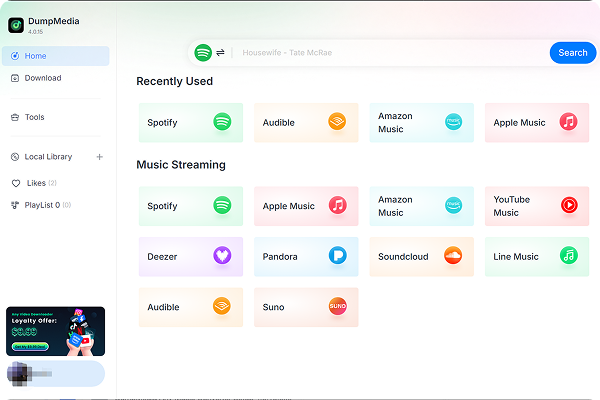
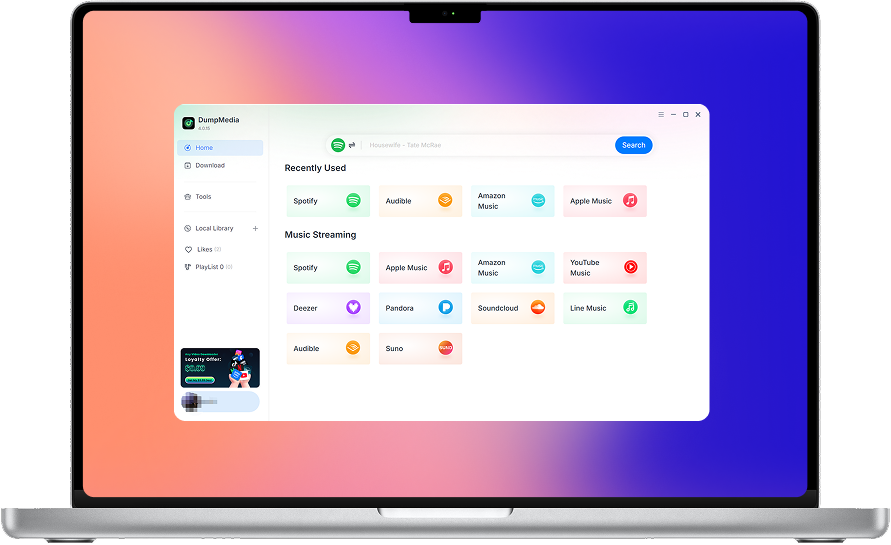
DumpMedia Suno Music Converter helps you convert and save your Suno music in the audio formats you need. Access your Suno music library, process multiple songs in batches, choose your preferred audio quality, and keep your favorite tracks organized on your computer.