Enjoy greater flexibility with your AI-generated music.
DumpMedia 米国の著作権規制に厳密に従います。 ロスレス音質を維持しながら、暗号化されていないオーディオデータを録音する最先端のテクノロジーを採用しています。
詳細はここ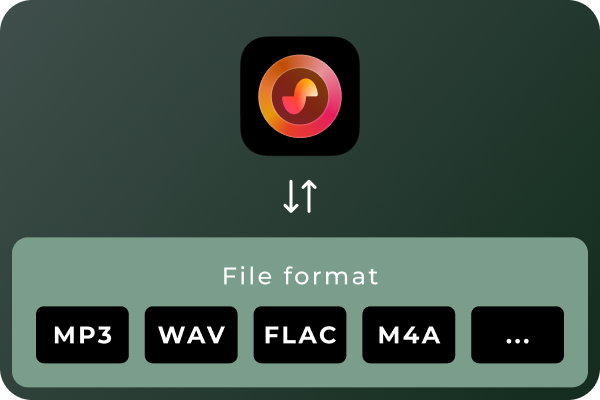
Convert Suno Songs to Multiple Audio Formats Different situations call for different audio formats. MP3 is a practical choice for everyday listening and portable devices, while WAV and FLAC can be useful for audio workflows that prioritize uncompressed or lossless files. With DumpMedia Suno Music Converter, you can convert Suno music to MP3, WAV, FLAC, M4A, and other supported formats. Choose the format that best suits your playback devices, storage preferences, or audio workflow.
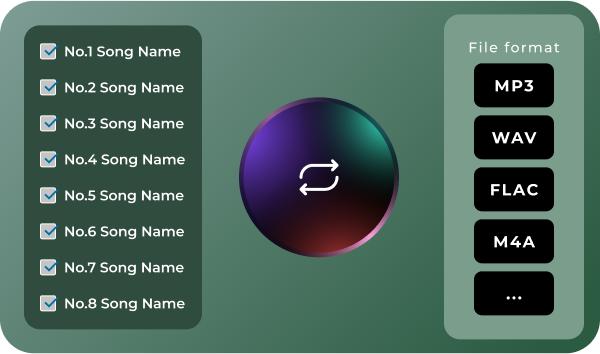
Convert Multiple Songs in Batches Managing a large music collection can become time-consuming when every track needs to be handled separately. DumpMedia Suno Music Converter supports batch processing, helping you work with multiple songs in a more organized workflow. Select the tracks you want to process, configure your output preferences, and manage the conversion tasks together. Spend less time repeating the same steps and more time enjoying or organizing your music.
Download Suno Music Without Quantity Limits Don't let download quotas interrupt your music collection. Unlike Suno's official download options, which are subject to plan-based download limits, DumpMedia Suno Music Converter lets you download and convert Suno songs without a limit on the number of tracks processed. Whether you're saving a few favorite songs or building a large collection of AI-generated music, enjoy greater flexibility with unlimited song downloads.
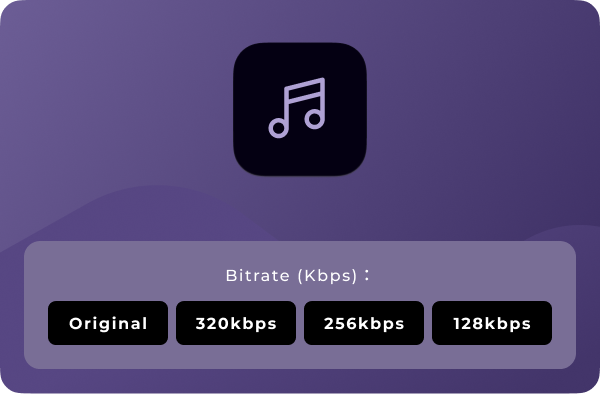
オーディオの品質をカスタマイズ Your preferred audio settings may vary depending on how you plan to use your music. DumpMedia Suno Music Converter lets you choose available output-quality settings so you can tailor converted files to your needs. Whether you prefer more compact files for everyday listening or higher-quality output for compatible audio workflows, you can select from the options provided by the software. Note: Output quality depends on the available settings and the quality of the source audio. Converting a file to a lossless format does not restore audio information absent from the original source.
高度な機能

ユーザーフレンドリーなインターフェース
Enjoy a seamless listening experience with the built-in Suno player. Preview your favorite tracks and manage your music without switching between apps.

安全でプライバシー重視
Keep your music management workflow focused on your own device, with no unnecessary sharing of your local music files.

継続的なサポートとアップデート
Get access to product updates and support resources to help you maintain a smooth music conversion experience.

メタデータを保持する
Keep essential song metadata, such as track titles and artist information, organized in your converted music files for easier browsing and management.

キャッシュの消去
Clear cached data to free up storage space and keep your music management experience smooth and organized.
使い方 DumpMedia Suno Music Converter
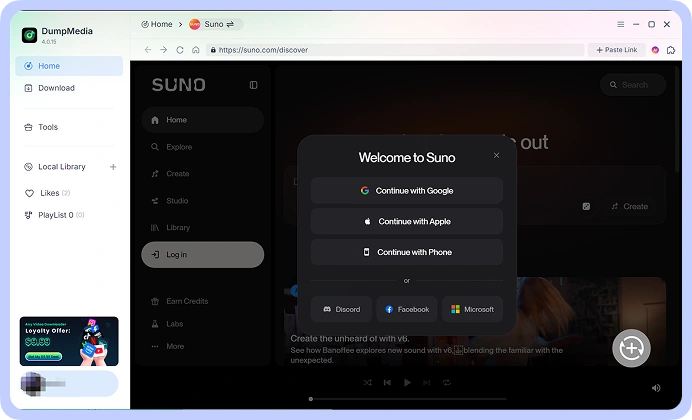
ステップ 1: Connect your Suno account and access your music library. Choose the song.
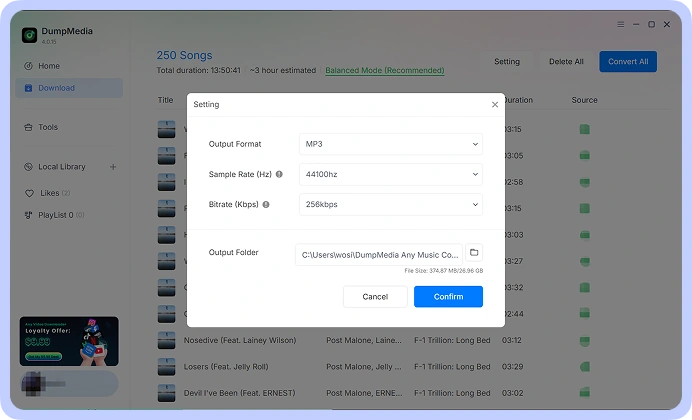
ステップ 2: お好みのフォーマットを選択してください。 MP3, WAV, FLAC, or M4A, from the available options. Adjust the output-quality settings to suit your requirements.
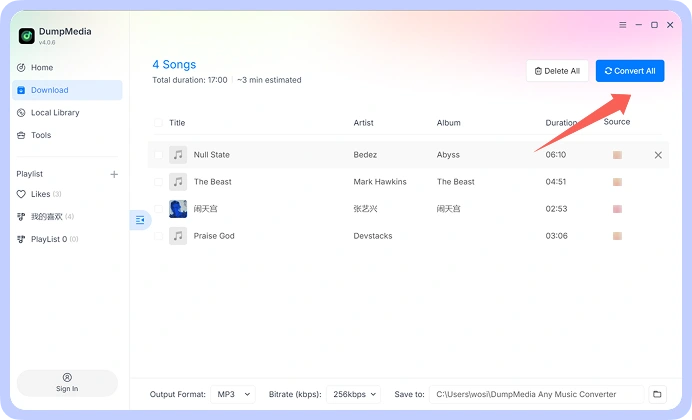
ステップ 3: Start the conversion process and save the resulting audio files to your computer. Your converted files are then available for local playback and organization.
ステップ 1
ステップ 2
ステップ 3
動作環境
システム要件
WinダウズOS: Windows 7以降(64ビット版が必要)
Mac OS: macOS X 10.15以降
解像度:1024×768ピクセル以上のディスプレイ
プロセッサ: 1 GHz processor or above
RAM: 512 MB or more (1 GB recommended)
サポートされている入力コンテンツ
Songs, Albums, and Playlists from Suno.
サポートされている出力形式
Winダウズ/マック: MP3、WAV、FLAC、AIFF、M4A(AACおよびALACコーデック)
よくある質問
1.無料トライアル版の制限事項は何ですか?
With the free trial version, you can only convert 3 full songs from Suno. To convert more tracks without any limitations, you will need to register and activate the full version of the software.
2. Can I convert multiple Suno songs at once?
Yes. DumpMedia Suno Music Converter supports batch processing, allowing you to handle multiple tracks within a single workflow rather than repeating the process for every song.
3. Where to buy Suno Music Converter?
ほとんどの場合、そうです。 DumpMedia スマートマッチングシステムを使用して、プラットフォーム間で同じまたは類似の曲を検索します。まれに、新しいサービスで利用できない曲があり、転送されない場合があります。
4. 取得する方法 DumpMedia 登録コード?
返金ポリシーのページに移動します。 https://www.dumpmedia.com/refund-policy/
5. どのオーディオフォーマットが DumpMedia Suno Music Converter support?
The software is designed to support MP3, WAV, FLAC, M4A, and other available output formats. Check the format options in your software version for the complete list.
無料でお試しください
Suno Music Converter
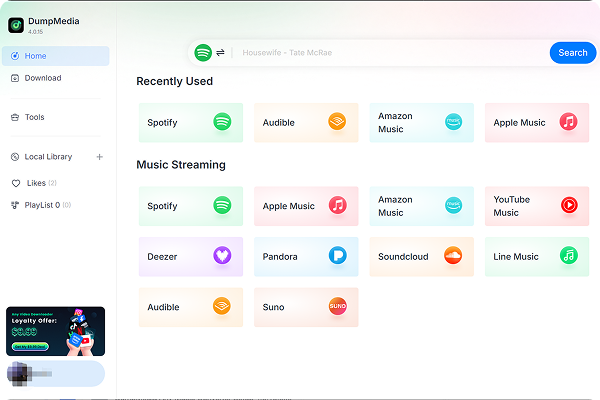
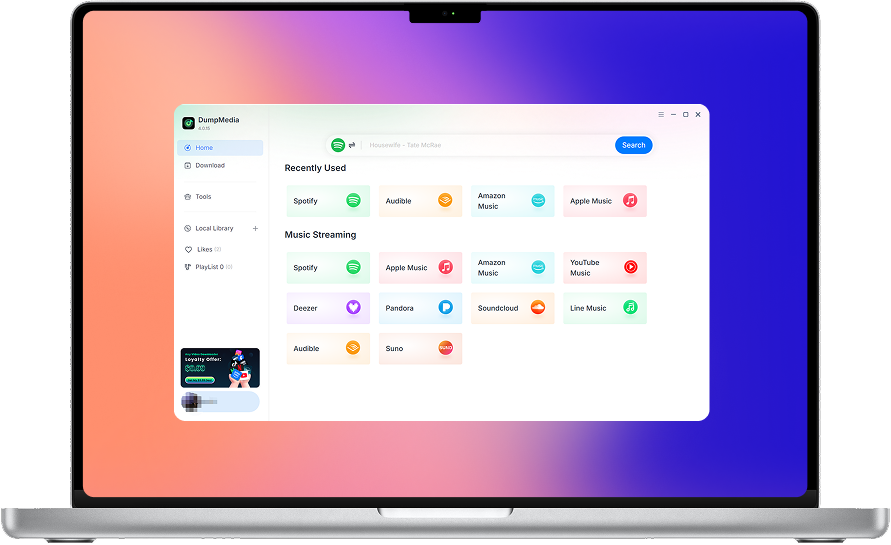
DumpMedia Suno Music Converter helps you convert and save your Suno music in the audio formats you need. Access your Suno music library, process multiple songs in batches, choose your preferred audio quality, and keep your favorite tracks organized on your computer.