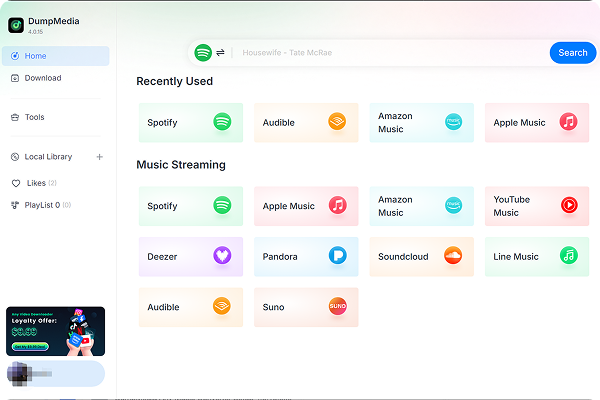
Enjoy greater flexibility with your AI-generated music.
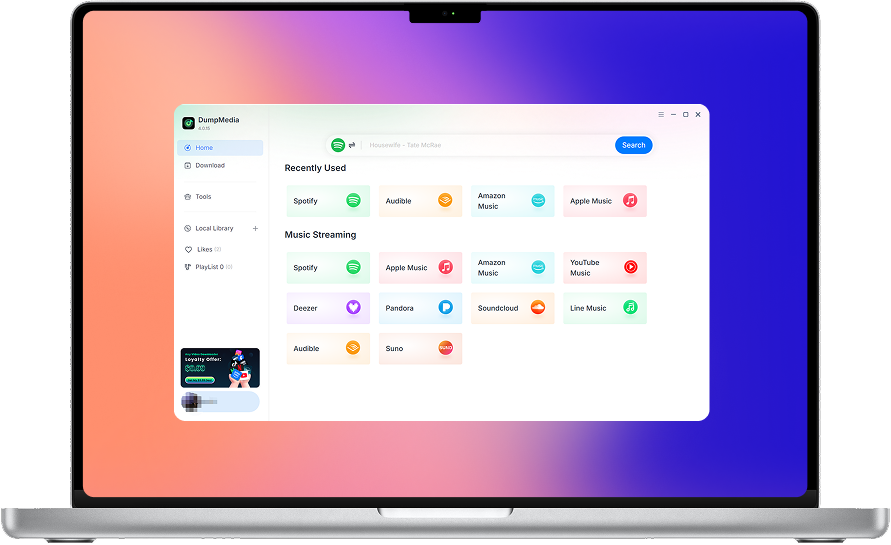
DumpMedia 嚴格遵守美國版權法規。 我們採用領先的技術來記錄未加密的音頻數據,同時保持無損音質。
更多細節在這裡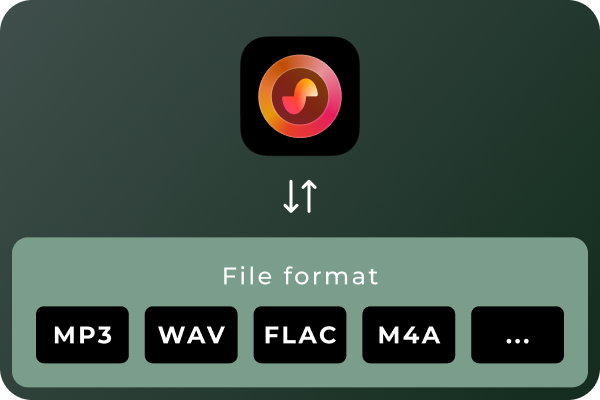
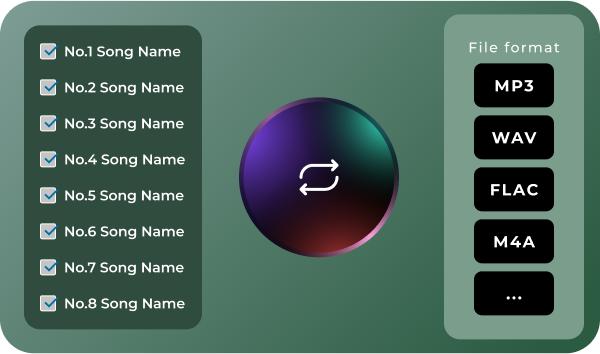
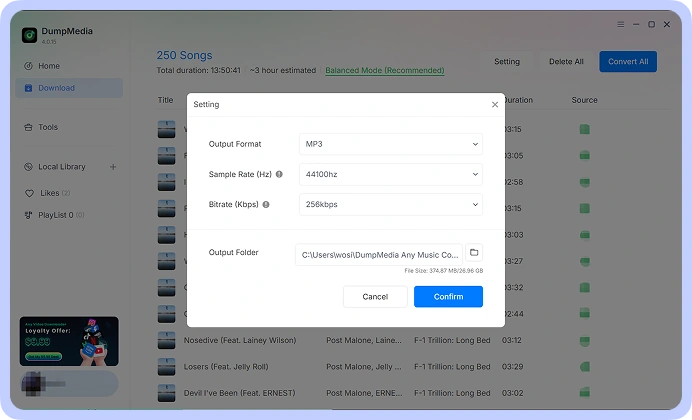
Convert Suno Songs to Multiple Audio Formats Different situations call for different audio formats. MP3 is a practical choice for everyday listening and portable devices, while WAV and FLAC can be useful for audio workflows that prioritize uncompressed or lossless files. With DumpMedia Suno Music Converter, you can convert Suno music to MP3, WAV, FLAC, M4A, and other supported formats. Choose the format that best suits your playback devices, storage preferences, or audio workflow.
Convert Multiple Songs in Batches Managing a large music collection can become time-consuming when every track needs to be handled separately. DumpMedia Suno Music Converter supports batch processing, helping you work with multiple songs in a more organized workflow. Select the tracks you want to process, configure your output preferences, and manage the conversion tasks together. Spend less time repeating the same steps and more time enjoying or organizing your music.
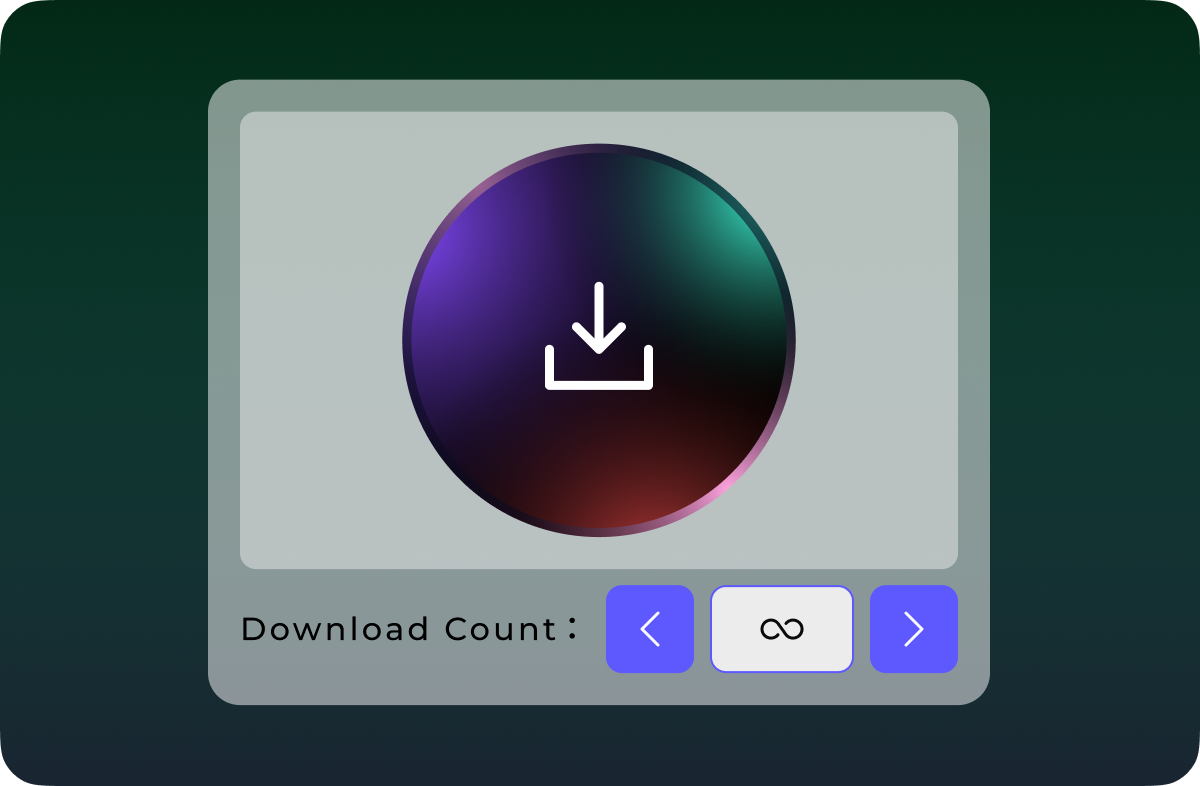
Download Suno Music Without Quantity Limits Don't let download quotas interrupt your music collection. Unlike Suno's official download options, which are subject to plan-based download limits, DumpMedia Suno Music Converter lets you download and convert Suno songs without a limit on the number of tracks processed. Whether you're saving a few favorite songs or building a large collection of AI-generated music, enjoy greater flexibility with unlimited song downloads.
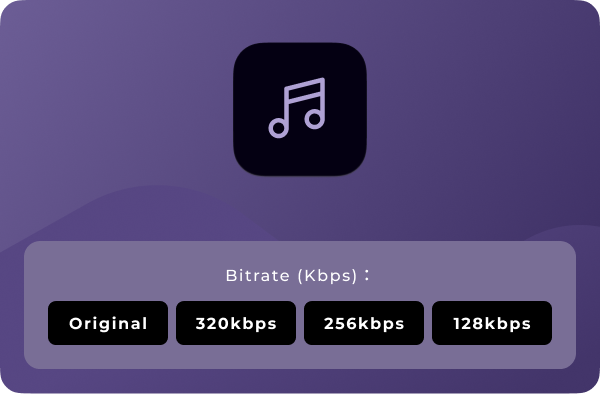
自定義音頻質量 Your preferred audio settings may vary depending on how you plan to use your music. DumpMedia Suno Music Converter lets you choose available output-quality settings so you can tailor converted files to your needs. Whether you prefer more compact files for everyday listening or higher-quality output for compatible audio workflows, you can select from the options provided by the software. Note: Output quality depends on the available settings and the quality of the source audio. Converting a file to a lossless format does not restore audio information absent from the original source.
高級功能

友好的用戶界面
Enjoy a seamless listening experience with the built-in Suno player. Preview your favorite tracks and manage your music without switching between apps.

安全且注重隱私
Keep your music management workflow focused on your own device, with no unnecessary sharing of your local music files.

持續支持和更新
Get access to product updates and support resources to help you maintain a smooth music conversion experience.

保留元數據
Keep essential song metadata, such as track titles and artist information, organized in your converted music files for easier browsing and management.

清除緩存
Clear cached data to free up storage space and keep your music management experience smooth and organized.
如何使用 DumpMedia Suno音樂轉換器
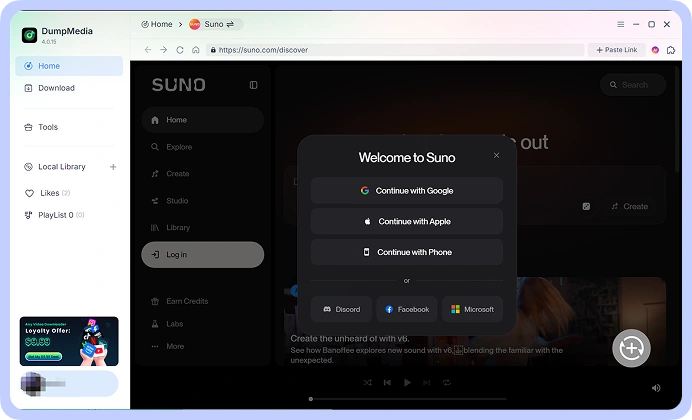
步驟二 Connect your Suno account and access your music library. Choose the song.
步驟二 選擇您喜歡的格式,例如 MP3, WAV, FLAC, or M4A, from the available options. Adjust the output-quality settings to suit your requirements.
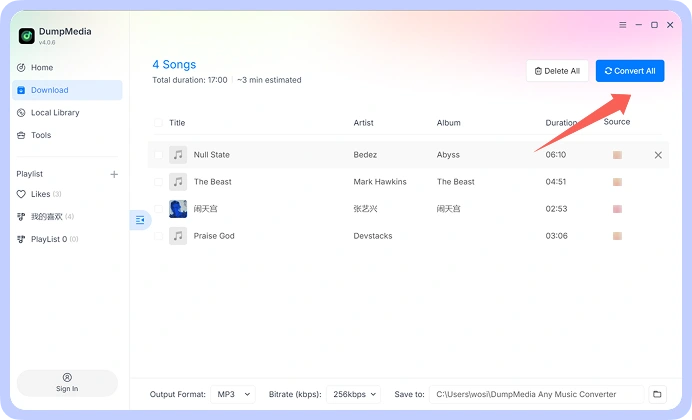
步驟二 Start the conversion process and save the resulting audio files to your computer. Your converted files are then available for local playback and organization.
步驟 1
步驟 2
步驟 3
技術規格
常見問題
1.免費試用版有哪些限制?
With the free trial version, you can only convert 3 full songs from Suno. To convert more tracks without any limitations, you will need to register and activate the full version of the software.
2. Can I convert multiple Suno songs at once?
是的。 DumpMedia Suno Music Converter supports batch processing, allowing you to handle multiple tracks within a single workflow rather than repeating the process for every song.
3. Where to buy Suno Music Converter?
大多數時候,是的。 DumpMedia 它使用智慧匹配系統在不同平台上尋找相同或相似的歌曲。雖然這種情況很少見,但某些曲目可能在您的新服務中不可用,並且無法轉移。
4. 如何找回 DumpMedia 註冊碼?
前往退款政策頁面: https://www.dumpmedia.com/refund-policy/
5. Which audio formats does DumpMedia Suno Music Converter support?
The software is designed to support MP3, WAV, FLAC, M4A, and other available output formats. Check the format options in your software version for the complete list.